The 12 Best Customer Sentiment Analysis Tools for 2026
Discover the top 12 customer sentiment analysis tools to work smarter. Compare features, pricing, and use cases for analysts in marketing, VC, and research.
If you're an analyst, you know the drill: sifting through mountains of survey responses, social media comments, or CRM notes to gauge customer feeling. It's a critical, but often repetitive, part of the job. But what if you could automate the tedious parts and focus on the strategic insights? The latest generation of AI-powered customer sentiment analysis tools is designed to do just that.
These platforms help you move beyond manual classification to quickly and consistently analyze unstructured text data at scale. This guide is for analysts who already know the 'what' and 'why' of sentiment analysis and are ready to explore the 'how'. We'll show you how to work smarter, faster, and deliver deeper insights without getting bogged down in repetitive tagging. This is about finding opportunities to enhance your existing workflow, not relearn your job.
We've compiled a comprehensive roundup of the best customer sentiment analysis tools available, from enterprise-grade CX platforms to flexible APIs and no-code solutions. For each tool, you'll find a concise overview, key features, pros and cons, and pricing information, complete with screenshots and direct links. Whether you're enriching CRM data for a sales team, screening investments, or conducting market research, this list will help you identify the right platform to level up your analytical capabilities and reclaim valuable time. We'll even explore when a standalone tool is best versus using a spreadsheet-native solution like Row Sherpa to integrate sentiment data directly where you work.
1. Row Sherpa
Row Sherpa stands out as a powerful and highly efficient tool for teams that need to perform customer sentiment analysis at scale. It transforms the often manual and time-consuming process of analyzing feedback into a streamlined, automated workflow. By leveraging Large Language Models (LLMs) to batch-process CSV files, it allows junior analysts and operations specialists to categorize, score, and enrich thousands of customer comments, survey responses, or reviews in a matter of minutes. This approach moves beyond ad-hoc analysis in chatbots, offering a structured and repeatable method for deriving insights.
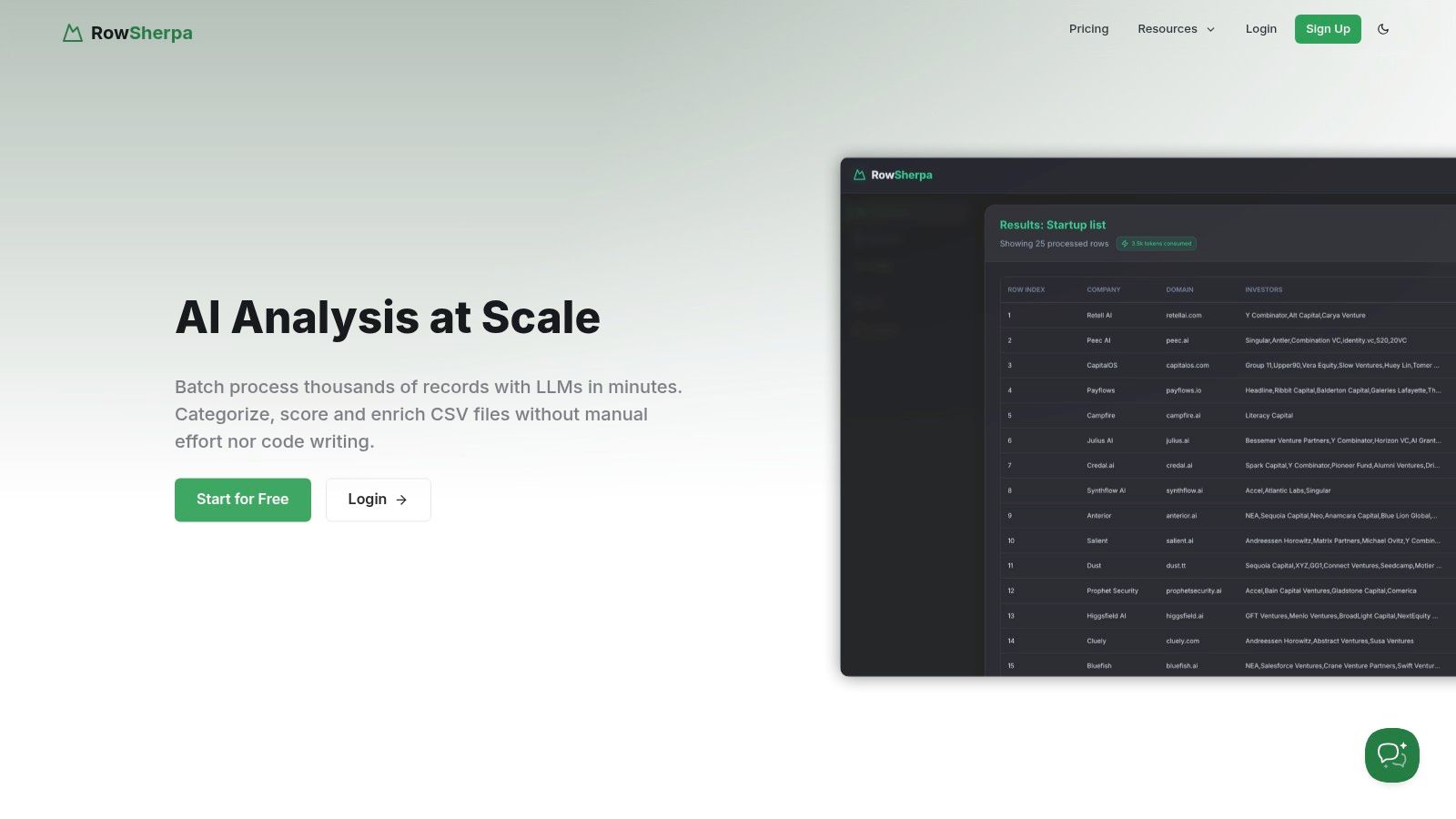
The platform's core strength lies in its consistency and structure. Users define a single, precise prompt that is applied to every row of a dataset, ensuring uniform analysis and predictable, validated JSON or CSV outputs. This eliminates the variability and context-window limitations common with manual LLM queries, making the resulting data reliable for direct import into CRMs, BI tools, or other systems without extensive cleanup. For market research or sales ops teams tasked with sifting through large volumes of unstructured text, this is a significant operational advantage.
Key Features and Capabilities
Row Sherpa is more than just a data processor; it's a comprehensive enrichment engine. Its unique feature set is designed to enhance the quality and depth of analysis.
- Batch Processing with LLMs: The fundamental feature allows you to upload a CSV and apply a consistent LLM prompt to each row, ideal for large-scale sentiment scoring, intent classification, or entity extraction.
- Optional Live Web Search: For rows that lack context, such as a company name without a description, Row Sherpa can perform a live web search to augment the input. This provides the LLM with richer information, leading to more accurate and nuanced sentiment analysis.
- Structured & Validated Outputs: Jobs produce clean JSON or CSV files with a consistent schema. This predictability is crucial for automating downstream workflows and ensuring data integrity.
- API-First Design: While the no-code UI is intuitive for junior analysts, the entire platform is built on its public API. This dual-access model empowers technical teams to fully integrate Row Sherpa into their existing data pipelines for programmatic job creation and result retrieval.
- Asynchronous Jobs: Large file processing happens in the background, so you can initiate a task on thousands of rows and receive a notification when your structured results are ready, without tying up your browser.
Pricing Structure
Row Sherpa offers a transparent, usage-based pricing model suitable for various scales of operation.
| Plan | Price/Month | Rows Included | Web-Search Rows |
|---|---|---|---|
| Free | $0 | 100 | 10 |
| Starter | $49 | 5,000 | 1,000 |
| Premium | $149 | 15,000 | 2,500 |
| Pro | $449 | 30,000 | 5,000 |
Each tier also has specific limits on prompt tokens, per-row tokens, and the number of output fields, which increase with higher plans.
Pros and Cons
Pros:
- Massive Time Savings: The ability to process thousands of rows asynchronously is a game-changer for repeatable analysis tasks.
- High-Quality, Consistent Data: Delivers structured outputs that are immediately usable, reducing manual data cleaning.
- Flexible for All Skill Levels: The no-code UI is accessible for non-technical users, while the API offers full automation potential.
- Enhanced Context with Web Search: Improves the accuracy of sentiment scoring by enriching sparse input data.
- Predictable Costs: The tiered, usage-based pricing is clear and easy to understand.
Cons:
- Tiered Limitations: Token and output field limits on lower plans may require upgrading or splitting complex jobs.
- Lacks Enterprise-Level Documentation: No publicly listed security certifications (like SOC 2) or customer testimonials, which may require validation from teams with strict compliance or procurement policies.
Website: https://rowsherpa.com
2. Qualtrics – Text iQ
Qualtrics is a powerhouse in the Experience Management (XM) space, and its Text iQ feature is designed for organizations already embedded in its ecosystem. Rather than a standalone tool, Text iQ is an integrated text analytics engine that processes open-ended feedback directly within your surveys and dashboards. This makes it a natural choice for customer experience (CX) and employee experience (EX) teams who need to quantify qualitative data without leaving the platform where they collect it.
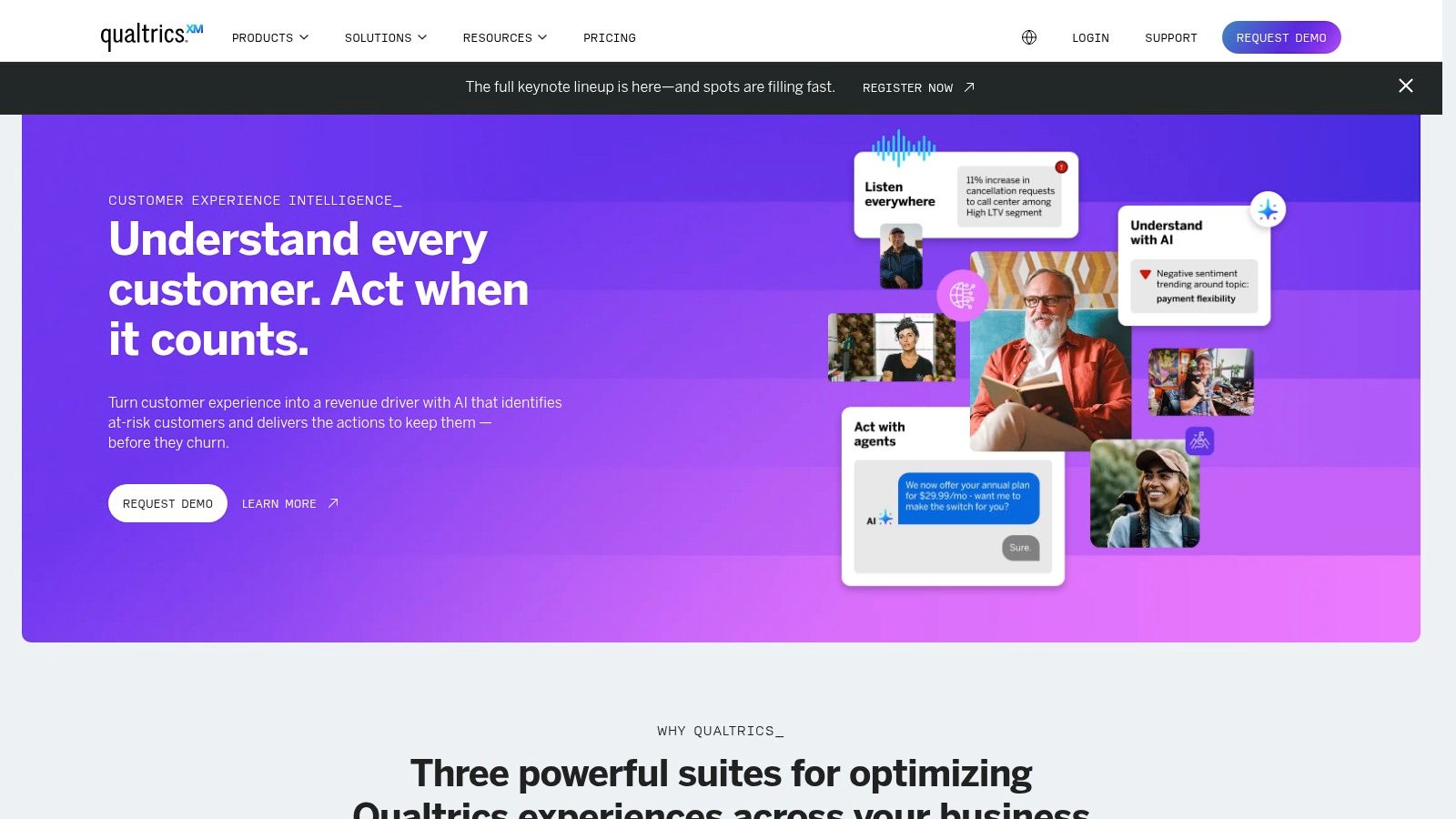
The primary strength of Text iQ lies in its seamless workflow integration. As survey responses come in, it automatically performs topic detection and sentiment analysis, which can then be widgetized into dashboards alongside quantitative metrics like NPS or CSAT. This provides a unified view of customer feedback, connecting the "what" with the "why" in a single interface. For teams managing complex, ongoing feedback programs, this consolidation is a significant efficiency gain.
Key Features & Considerations
-
Pros:
- Deep Integration: Natively built into the Qualtrics survey and dashboarding stack, eliminating the need for data exports or third-party tools.
- Mature Resources: Extensive documentation and training are available through its XM Basecamp, which is ideal for junior analysts getting up to speed.
-
Cons:
- Opaque Pricing: Costs are quote-based and not publicly listed, which can be a barrier for teams needing immediate budget estimates.
- Potential Add-on Costs: Accessing advanced text features, like the more granular 5-label sentiment model, may require an additional license.
This tool is one of many powerful platforms available; you can explore a broader comparison of customer feedback analysis tools to see how it stacks up against others.
- Best For: Enterprise CX/EX programs that need to enrich existing survey data with robust, integrated text and sentiment analytics.
- Website: https://www.qualtrics.com
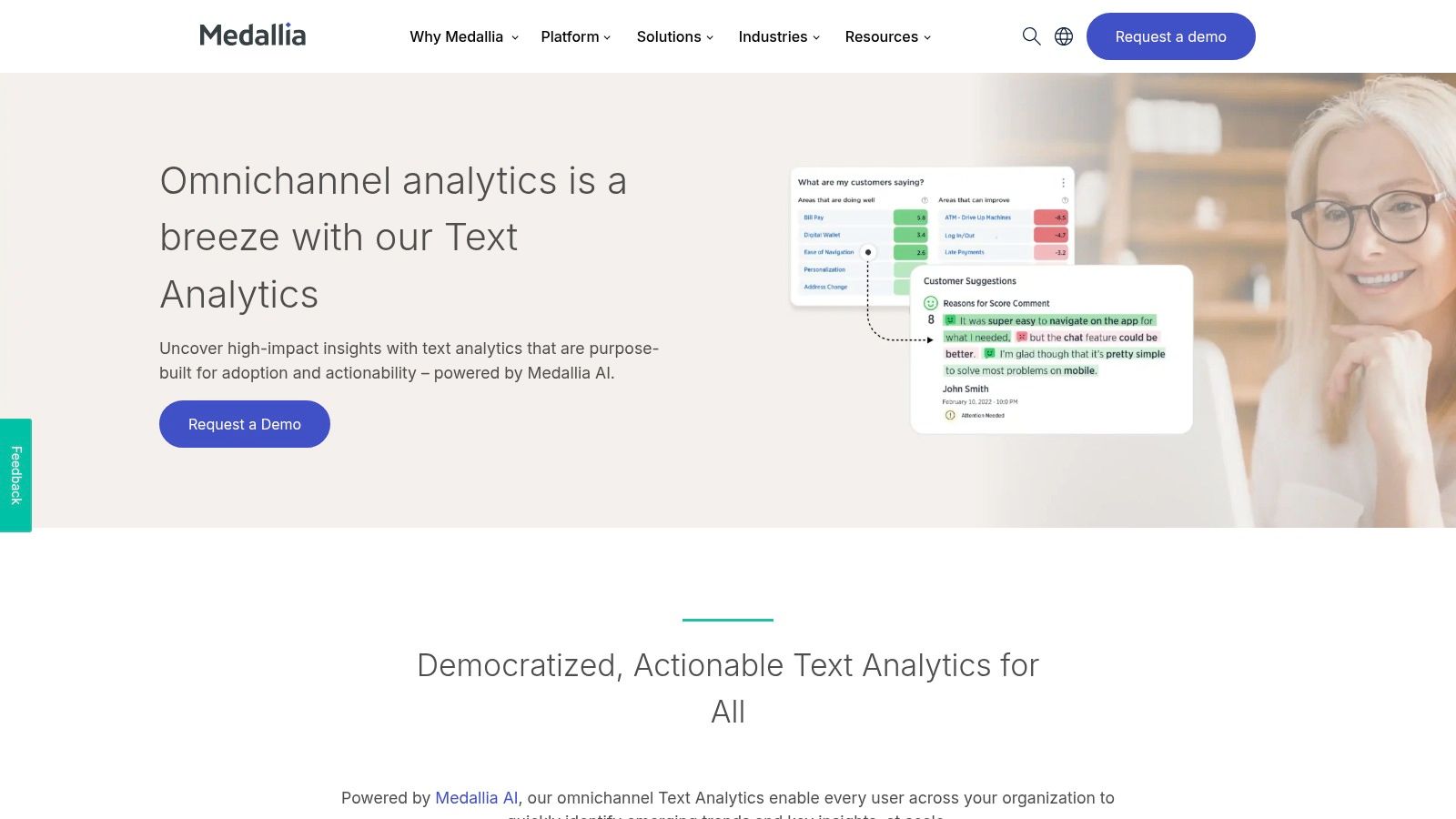
3. Medallia
Medallia is an enterprise-grade Voice of the Customer (VoC) platform known for its comprehensive, cross-channel feedback analysis. It serves large organizations that need to centralize sentiment and thematic analysis from diverse sources like surveys, online reviews, and even voice or video transcripts. For junior analysts in large CX programs, Medallia’s strength is its ability to create a unified view of customer sentiment, connecting disparate feedback points into operational workflows.
The platform stands out by processing unstructured data beyond just text. Its video and voice transcript sentiment analytics offer a deeper layer of insight, capturing the emotion and tone from spoken feedback. This makes it one of the more versatile customer sentiment analysis tools for companies looking to understand the complete customer journey. Automatic tagging and category filters are built directly into its reporting, allowing teams to quickly drill down into specific issues or trends without manual effort.
Key Features & Considerations
-
Pros:
- Broad Channel Coverage: Analyzes sentiment across text, reviews, and unique sources like voice and video transcripts for a holistic view.
- Enterprise-Grade Workflows: Designed for large-scale CX programs with robust reporting dashboards and operational integrations.
-
Cons:
- Modular Feature Access: Key capabilities can be spread across different modules or editions, potentially complicating access and cost.
- Quote-Based Pricing: The lack of public pricing requires engaging with a sales team, which can slow down the evaluation process for teams with tight deadlines.
-
Best For: Large enterprise organizations with mature VoC programs that require a single platform to analyze sentiment from multiple customer interaction channels.
-
Website: https://www.medallia.com
4. Sprinklr
Sprinklr is a comprehensive, unified customer experience management (Unified-CXM) platform designed for large enterprises managing massive volumes of customer interactions. Its core strength lies in its ability to listen to and analyze conversations across social media, messaging, and review sites at an immense scale. For teams in global brands, Sprinklr's proprietary AI provides sentiment analysis that is not only powerful but also configurable to specific industry vocabularies, making it a robust tool for reputation management and social listening.
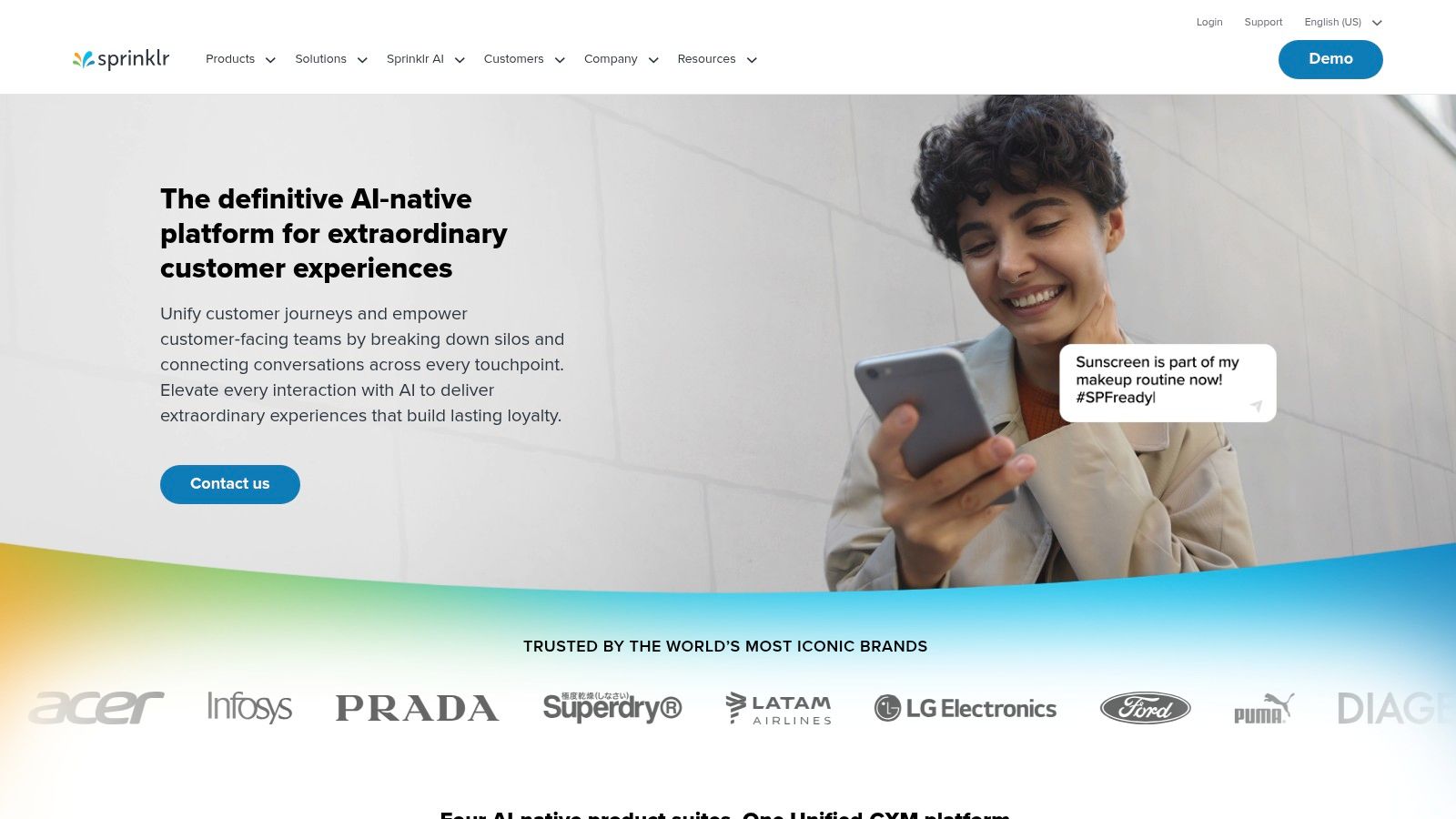
The platform centralizes disparate data sources, enabling teams to track sentiment shifts in real time and trigger alerts for immediate action. Unlike point solutions, Sprinklr integrates sentiment data directly into its broader suite of products for care, marketing, and research. This allows a junior analyst to not only identify a negative sentiment trend but also see how the customer care team is responding within the same interface, providing a holistic view of the customer journey.
Key Features & Considerations
-
Pros:
- Massive Scalability: Built to handle and analyze millions of mentions daily, making it suitable for the largest consumer brands.
- Industry-Specific Models: AI sentiment models are fine-tuned for different sectors (e.g., finance, healthcare), improving accuracy on niche terminology.
-
Cons:
- Enterprise-Level Pricing: Costs are quote-based and tailored to enterprise needs, placing it outside the budget of most SMBs.
- Complex Implementation: The platform's extensive capabilities require significant setup and training, representing a substantial organizational commitment.
As one of the leading customer sentiment analysis tools for enterprise-level social listening, Sprinklr excels at unifying high-volume, unstructured feedback.
- Best For: Large enterprise social media and customer care teams needing to manage and analyze high-volume public and direct customer feedback in a single, unified platform.
- Website: https://www.sprinklr.com
5. Brandwatch Consumer Research
Brandwatch is a giant in the consumer intelligence and social listening world, offering a mature platform for tracking online conversations at scale. Its strength lies in its ability to monitor brand mentions, industry trends, and competitor activity across millions of sources, including social media, forums, and news sites. For market research and brand management teams, it provides the tools to move beyond simple monitoring and into strategic analysis of public perception.
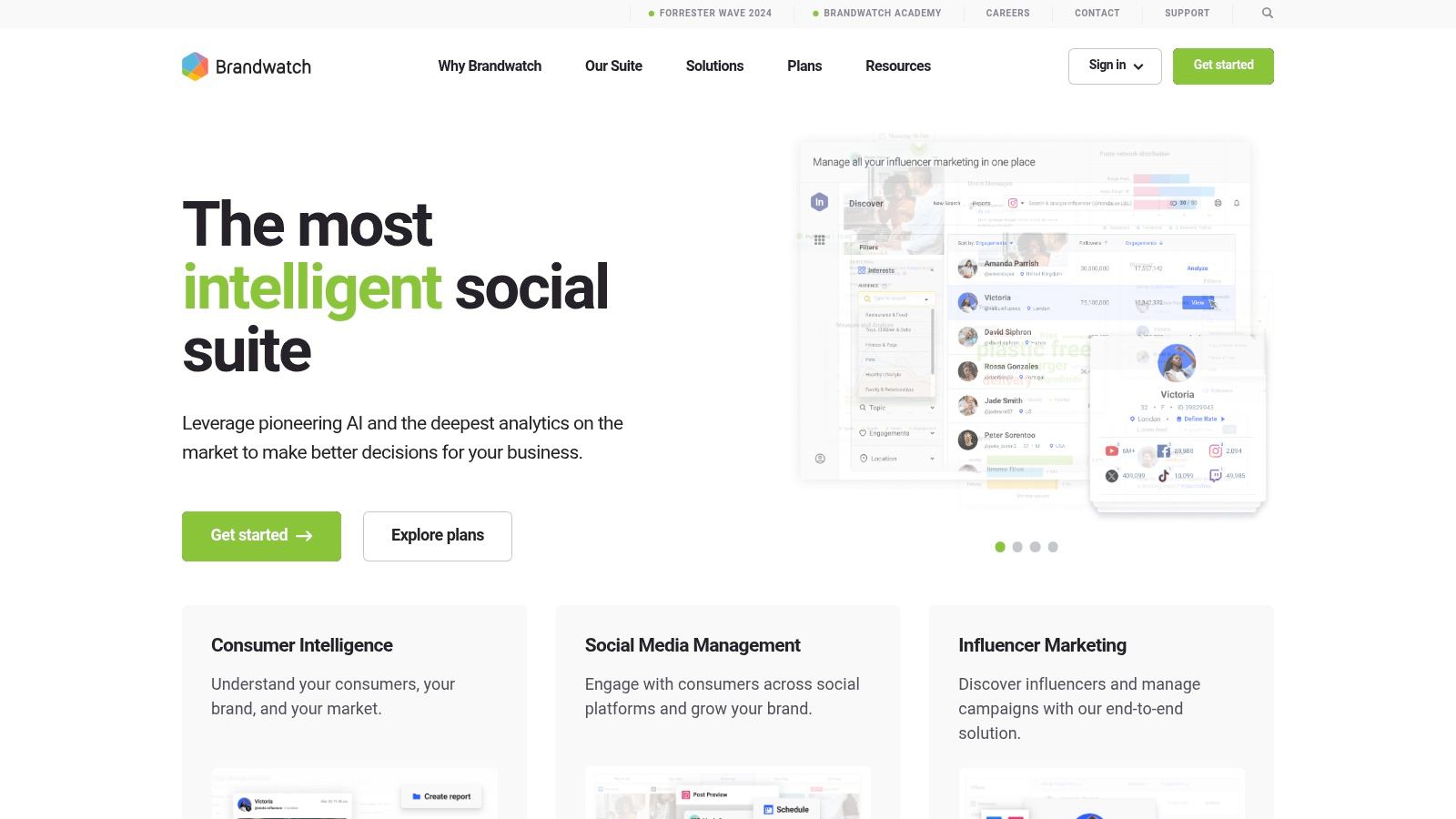
The platform automatically classifies sentiment (positive, neutral, negative) and identifies key topics, allowing analysts to quickly gauge the public's reaction to a campaign or product launch. Its automated alerting system is a key workflow feature, notifying teams when conversation volume or sentiment deviates from the norm, enabling rapid response to potential PR crises or emerging opportunities. This makes it a powerful tool among the various customer sentiment analysis tools available for real-time brand health tracking.
Key Features & Considerations
-
Pros:
- Mature Social Data Coverage: Extensive access to a wide array of online data sources, providing a comprehensive view of public conversations.
- Practical Automation: Features like email alerts and scheduled reports help automate the repetitive task of monitoring brand health, freeing up analyst time.
-
Cons:
- Quote-Based Pricing: Costs are not transparent and require a sales-led engagement, making it difficult for teams to budget without a formal inquiry.
- Potential for High Costs: Accessing more advanced datasets or premium features can significantly increase the overall platform cost.
The platform is a key player in the evolution toward AI-driven market research, offering sophisticated analytics on large-scale public data.
- Best For: Market research and brand reputation teams that need a robust, all-in-one social listening and consumer intelligence platform with automated monitoring.
- Website: https://www.brandwatch.com
6. Talkwalker
Talkwalker is an enterprise-grade social listening and media monitoring platform where customer sentiment analysis is a core component of its broader market intelligence capabilities. It’s designed for organizations that need to track brand perception across a vast digital landscape, from social media to blogs and forums. The platform uses its proprietary Blue Silk AI to process and categorize conversations, providing teams with real-time dashboards that visualize sentiment trends alongside key brand metrics.
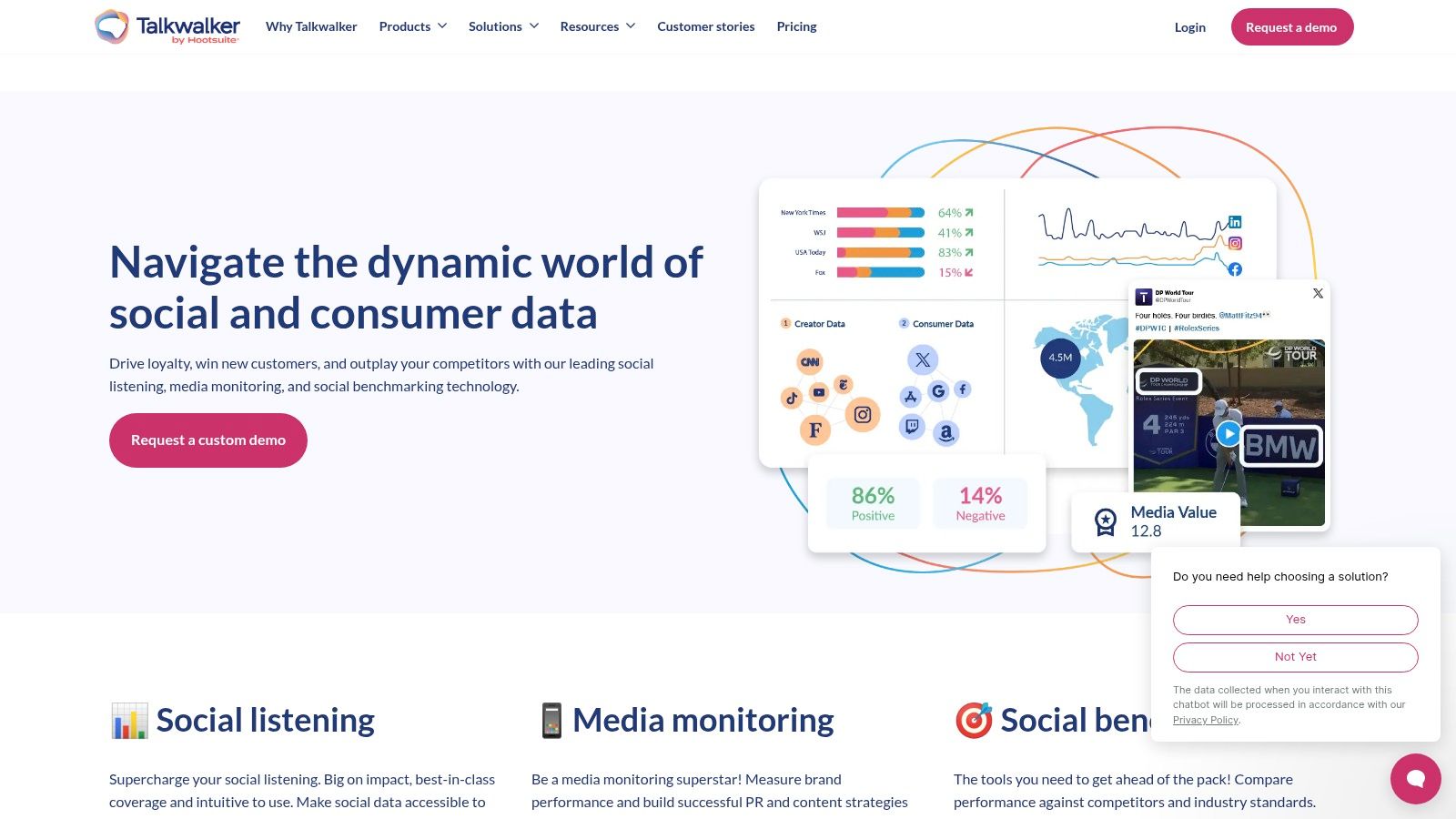
The key differentiator for Talkwalker is its massive data coverage. With access to over 150 million sources, including 30+ social platforms in 187 languages, it offers a comprehensive view of global conversations. This makes it an ideal tool for large companies managing international brands or market research analysts tracking nuanced shifts in public opinion. The platform moves beyond simple positive or negative labels, offering deeper context into why sentiment is changing, which is crucial for strategic decision-making.
Key Features & Considerations
-
Pros:
- Exceptional Data Coverage: Unparalleled access to global data sources provides a truly holistic view of brand conversations and sentiment.
- Strong Support & Governance: Plans include dedicated onboarding, training support, and enterprise-level governance features, making it scalable for large teams.
-
Cons:
- Opaque Pricing: All plans require contacting sales for a custom quote, which complicates initial budget planning for junior analysts.
- Complexity for Small Teams: The platform’s extensive features can be overwhelming for smaller organizations or those with simpler monitoring needs.
-
Best For: Global enterprise brands and market research teams requiring comprehensive social and media monitoring with robust, multi-lingual sentiment analysis tools.
-
Website: https://www.talkwalker.com
7. Sprout Social
Sprout Social is a comprehensive social media management platform where sentiment analysis is a core feature for teams monitoring brand health and customer interactions in real-time. Rather than being a standalone analysis tool, its sentiment classification is built directly into workflows like the Smart Inbox and review management. This integration is ideal for social media and marketing teams who need to instantly gauge the emotional tone of incoming messages and comments without switching platforms.
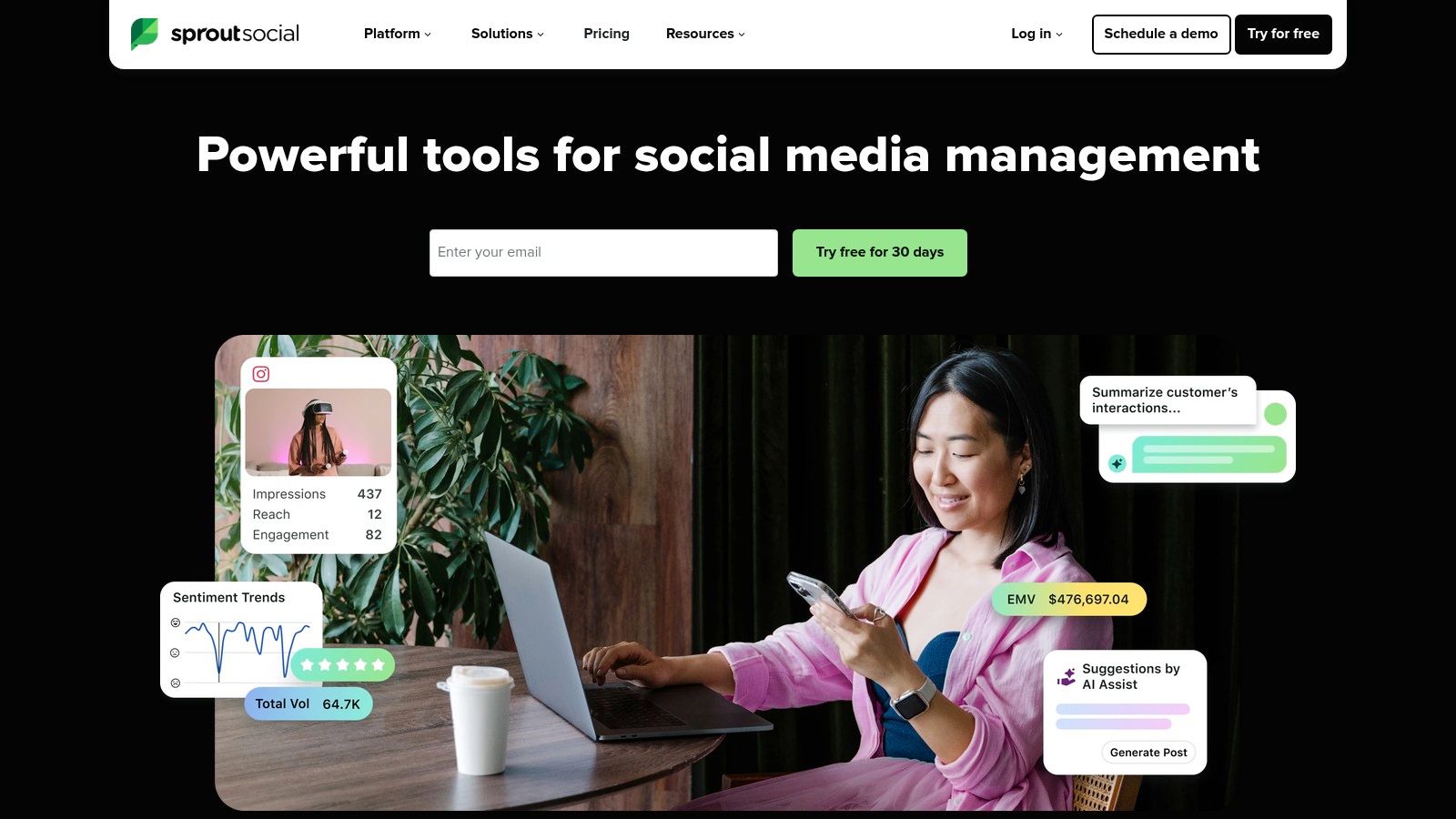
The primary advantage of Sprout Social is its operational focus. The platform uses a machine-learning sentiment model to automatically classify messages, allowing teams to quickly prioritize negative feedback or identify positive user-generated content. This feature is directly accessible on its Advanced plan, providing a clear path for growing teams to adopt sophisticated customer sentiment analysis tools within the environment where they already manage their social presence. For junior analysts or marketing specialists, this simplifies the process of turning social chatter into actionable data.
Key Features & Considerations
-
Pros:
- Easy Adoption: Natively integrated into the social media workflow, making it simple for marketing teams to use without additional training.
- Clear Packaging: Transparent pricing and a 30-day free trial make it easy to evaluate, with clear documentation on the sentiment feature.
-
Cons:
- Plan-Gated Feature: Sentiment analysis is only available on the higher-tier Advanced plan, which may be a barrier for smaller teams.
- Expensive at Scale: The per-seat pricing model can become costly for larger teams needing platform access for multiple users.
-
Best For: Marketing and social media teams needing to embed sentiment analysis directly into their daily community management and brand monitoring workflows.
-
Website: https://sproutsocial.com
8. MonkeyLearn
MonkeyLearn, now part of Medallia, provides a powerful no-code and low-code text analysis platform designed for speed and accessibility. It excels at helping teams without deep engineering resources build and deploy custom sentiment analysis pipelines. Its approach is ideal for junior analysts or operations specialists tasked with quickly operationalizing feedback from sources like support tickets, reviews, or social media feeds.
The platform stands out with its visual workflow builder and pre-built models, which allow users to chain together processes like keyword extraction, topic detection, and sentiment classification. This makes prototyping new analysis workflows extremely fast. Integrations with tools like Zapier, Google Sheets, and a robust API mean that once a model is refined, it can be plugged directly into existing business processes, turning qualitative data into structured, actionable insights without manual intervention.
Key Features & Considerations
-
Pros:
- Rapid Prototyping: The no-code interface allows non-developers to quickly build, test, and deploy sentiment analysis models.
- Flexible Integration: Complements larger CX stacks with strong API and Zapier support, making it a go-to for creating quick labeling pipelines.
-
Cons:
- Sales-Led Pricing: Since its acquisition by Medallia, pricing has become quote-based, making it harder to get quick budget estimates.
- Potential High Cost: Third-party listings suggest a higher price point for entry, which should be verified directly with the vendor.
-
Best For: Operations teams and junior analysts who need to rapidly prototype and operationalize sentiment analysis without relying on engineering support.
-
Website: https://monkeylearn.com
9. IBM Watson Natural Language Understanding
IBM Watson Natural Language Understanding is a powerful, API-driven service for developers and data teams who need to embed sophisticated text analytics directly into their applications or data pipelines. Rather than a standalone dashboard, it provides a suite of NLP tools, including sentiment, emotion, and entity extraction, that can be programmatically integrated. This makes it a go-to choice for organizations that require enterprise-grade security and the flexibility to build custom solutions around text analysis.
The primary strength of IBM Watson lies in its modular and highly customizable nature. Teams can pick specific features like keyword and category analysis to enrich customer feedback streams, power chatbots, or analyze market trends from unstructured data. Its pay-as-you-go pricing model offers a transparent way to scale, starting with a generous free tier for development and testing. This approach is ideal for technical users who need a reliable engine for their customer sentiment analysis tools without committing to a full-platform subscription.
Key Features & Considerations
-
Pros:
- Enterprise-Grade Security: Offers robust security and compliance features suitable for large, regulated organizations.
- Transparent Pricing: A clear, usage-based pricing model with a free Lite tier makes it easy to estimate costs and start projects.
- Custom Modeling: Provides options to train custom models, which is crucial for industry-specific terminology and context.
-
Cons:
- Requires Engineering Resources: As an API-first service, it requires development effort to integrate into existing workflows or applications.
- Can Be Costly at Scale: While pricing is transparent, costs can accumulate quickly with very high volumes of data processing.
Effective analysis starts with quality inputs; reviewing data cleaning best practices can help maximize the accuracy of any NLP tool.
- Best For: Developers and data science teams building custom applications or data enrichment pipelines that require robust, secure, and scalable sentiment analysis capabilities.
- Website: https://www.ibm.com/products/natural-language-understanding
10. Google Cloud Natural Language API
For teams with engineering resources, Google Cloud's Natural Language API provides a powerful, scalable, and cost-effective way to integrate sentiment analysis directly into custom applications or data pipelines. Rather than a ready-made dashboard, this is a developer-focused API that offers granular analysis, including document-level and entity-level sentiment, content classification, and syntax parsing. It’s the foundational technology that powers many other platforms, making it ideal for organizations that want to build their own customer sentiment analysis tools on top of Google's robust infrastructure.
The key advantage of the Natural Language API is its flexibility and pay-as-you-go model. It allows data analysts and operations engineers to process massive volumes of text from any source, such as social media feeds, customer support tickets, or product reviews, without being locked into a specific platform's ecosystem. The API provides a sentiment score and magnitude, offering a nuanced understanding of emotional intensity. This raw data can then be piped into a data warehouse like BigQuery for custom analysis or visualized in BI tools like Looker Studio.
Key Features & Considerations
-
Pros:
- Predictable Billing: Simple, unit-based pricing with a generous free monthly allotment makes it easy to forecast costs and start small.
- Developer-Friendly: Extensive documentation, SDKs for multiple languages, and console-based tools streamline the integration process for engineering teams.
-
Cons:
- Requires Engineering Work: It's an API, not an end-user application, so building reports or a user interface requires development resources.
- Usage-Based Costs: While predictable, costs are tied directly to API usage, which necessitates careful monitoring and management to avoid unexpected expenses at scale.
-
Best For: Data analysts and engineering teams needing to build custom, scalable sentiment analysis workflows or enrich proprietary datasets with Google’s NLP capabilities.
11. Amazon Comprehend
Amazon Comprehend is a managed Natural Language Processing (NLP) service from AWS, offering developers and data teams a powerful, API-driven way to perform text analysis. Rather than a user-facing platform, Comprehend provides building blocks for integrating sentiment analysis directly into applications or data pipelines. It is an excellent choice for teams already operating within the AWS ecosystem who need to analyze large volumes of text data from sources like S3, Kinesis, or Redshift.
The service’s key strength is its deep integration and scalability within AWS. A junior analyst could, for example, use AWS Lambda to trigger Comprehend to analyze incoming customer support tickets stored in an S3 bucket, then route the results to a data warehouse for dashboarding. This makes it one of the most flexible customer sentiment analysis tools for custom, high-volume workflows. It offers both standard and targeted sentiment analysis, allowing teams to identify not just the overall tone but the sentiment associated with specific products or features mentioned in the text.
Key Features & Considerations
-
Pros:
- Tight Integration: Natively connects with the entire AWS ecosystem (S3, Lambda, Redshift), enabling robust, automated data processing pipelines.
- Generous Free Tier: Offers a significant free tier for its standard APIs, allowing teams to experiment and build proofs of concept with minimal initial cost.
-
Cons:
- Complex Cost Planning: Per-request billing (often per 100 characters) requires careful monitoring to avoid unexpected costs at scale.
- Custom Model Overhead: Training and hosting custom models for specific business needs introduces additional cost and management complexity.
-
Best For: Technically-inclined teams and data engineers building custom applications or scalable data pipelines within the AWS cloud environment.
-
Website: https://aws.amazon.com/comprehend
12. Microsoft Azure AI Language – Text Analytics
For teams already operating within the Microsoft Azure ecosystem, the Azure AI Language service offers a powerful and native solution for text analytics. This is not a standalone app but a cloud-based NLP service that provides sophisticated sentiment analysis, opinion mining, key phrase extraction, and named-entity recognition. Its primary advantage is seamless integration with other Azure services, allowing data engineers and analysts to build custom data pipelines that enrich existing datasets with sentiment scores without leaving their cloud environment.
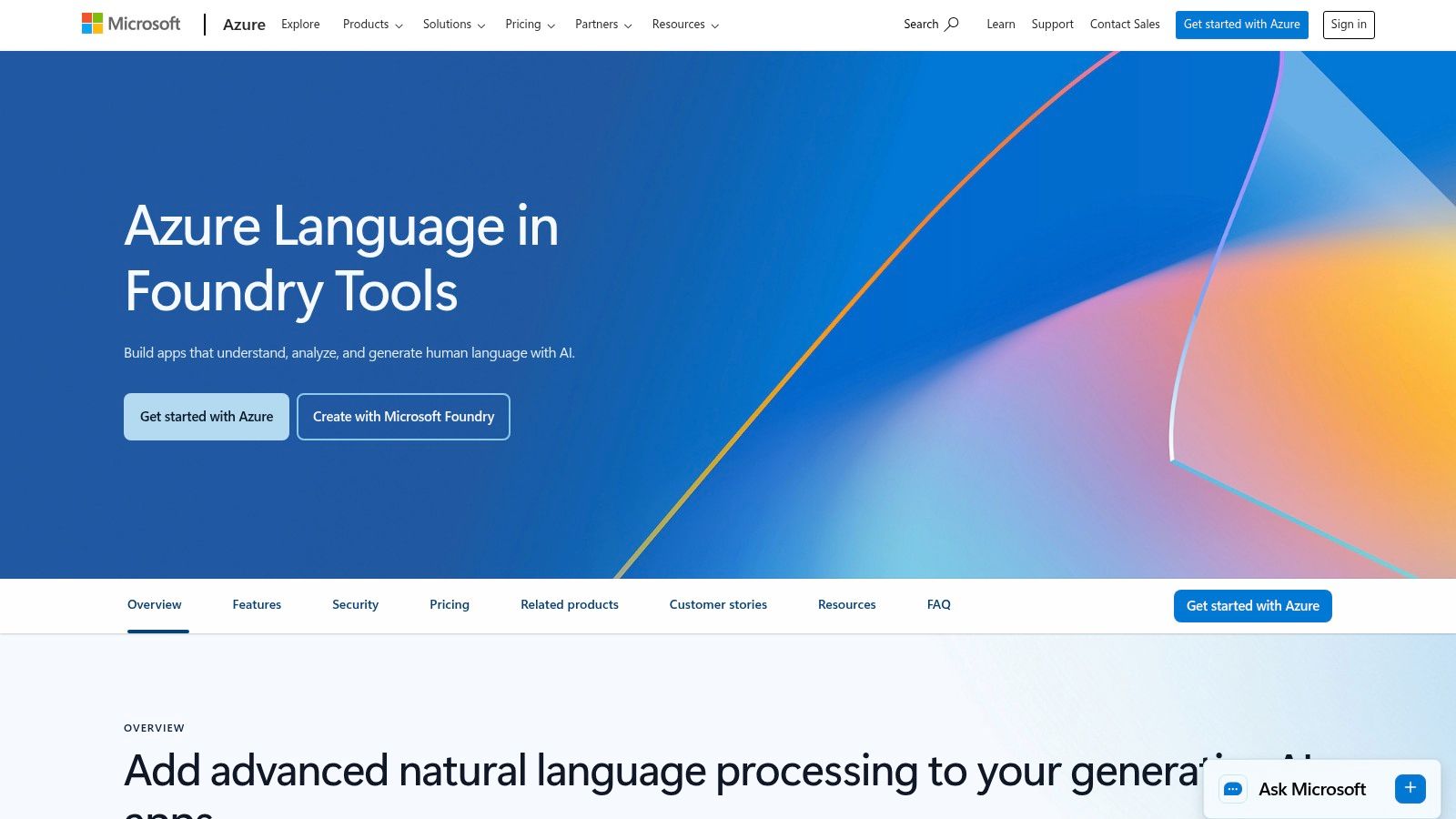
Azure's approach stands out due to its flexibility in deployment. Users can leverage the API directly or deploy the service in containers for both connected and disconnected environments, offering greater control over data privacy and infrastructure. This makes it one of the more adaptable customer sentiment analysis tools for organizations with specific compliance or operational requirements. The transparent, pay-as-you-go pricing model, which includes a generous free tier, is ideal for teams looking to start small and scale their analysis as data volumes grow.
Key Features & Considerations
-
Pros:
- Azure Integration: Natively connects with the broader Azure stack, simplifying data workflows for existing users.
- Flexible Deployment: Supports containerized deployments, giving teams control over their infrastructure and data security.
- Transparent Pricing: Clear documentation with a free tier and per-record pricing makes it easy to estimate costs for initial projects.
-
Cons:
- Complex Cost Calculation: Per-record prices vary by region and tier, often requiring the use of a pricing calculator for accurate large-volume estimates.
- Quote-Based Commitments: Large-scale usage or commitment tiers may require direct contact with sales for precise pricing details.
-
Best For: Organizations deeply invested in the Azure cloud stack that need a scalable, API-driven text analytics engine for custom applications.
-
Website: https://azure.microsoft.com/services/cognitive-services/language-service
Top 12 Customer Sentiment Analysis Tools Comparison
| Product | Core features | Quality (★) | Unique selling points (✨) | Pricing/value (💰) | Target audience (👥) |
|---|---|---|---|---|---|
| Row Sherpa 🏆 | No-code batch CSV processing, single-prompt per row, async jobs, web-search enrichment, public API | ★★★★☆ — predictable, validated JSON/CSV | ✨ Consistent per-row prompts; web-augmented enrichment; saved prompts & reruns | 💰 Usage-based tiers (Free → Pro, $0–$449/mo) with clear row/token caps | 👥 Junior analysts, sales ops, VC & market-research teams |
| Qualtrics – Text iQ | Embedded text analytics in surveys/dashboards; multi-label sentiment; multilingual | ★★★★☆ — CX-focused accuracy | ✨ Deep integration with Qualtrics survey & dashboard workflows | 💰 Quote-based; advanced text may require add-on | 👥 CX/EX teams, enterprise research |
| Medallia | Automated tagging & sentiment across surveys, reviews, voice/video transcripts | ★★★★☆ — enterprise VoC breadth | ✨ Cross-channel (text + voice/video) analytics | 💰 Sales-led / quote-based | 👥 Large CX programs & ops |
| Sprinklr | Social listening, proprietary sentiment models, industry-specific configs | ★★★★☆ — scales to high volumes | ✨ Industry-tailored sentiment variants; frequent model updates | 💰 Enterprise pricing (quote) | 👥 Enterprise social & marketing teams |
| Brandwatch Consumer Research | Social listening, automated sentiment, topic detection, alerts & exports | ★★★★☆ — mature social coverage | ✨ Strong data coverage + scheduled alerts/reports | 💰 Quote-based; cost rises with datasets | 👥 Brand/monitoring & insights teams |
| Talkwalker | Media monitoring, multilingual sentiment, large data-source coverage | ★★★★☆ — broad source & language support | ✨ Extensive source reach (150M+), strong dashboards | 💰 Sales-led / custom quotes | 👥 PR, comms, enterprise analytics |
| Sprout Social | Social management with sentiment in Advanced plan; DNN-based models | ★★★★☆ — easy for marketing teams | ✨ Clear packaging & Smart Inbox sentiment | 💰 Tiered per-seat pricing; Advanced tier required | 👥 Marketing & social teams |
| MonkeyLearn | No/low-code text analytics, prebuilt sentiment, topic extraction, integrations | ★★★★☆ — fast prototyping & ops | ✨ Visual pipelines + CSV/Sheets/Zapier integrations | 💰 Moved toward sales-led pricing (quote) | 👥 Analysts, non-developers, rapid prototyping |
| IBM Watson NLU | Sentiment, emotion, entities, categories; custom models & enterprise security | ★★★★☆ — enterprise-grade & customizable | ✨ Strong compliance, custom modeling options | 💰 Pay-as-you-go with Lite tier guidance | 👥 Developers, enterprises with security needs |
| Google Cloud Natural Language API | Doc & entity-level sentiment, classification, syntax parsing; SDKs | ★★★★☆ — developer-friendly | ✨ Predictable per-character billing; rich SDKs | 💰 Pay-as-you-go + free monthly allotments | 👥 Developers & data teams building pipelines |
| Amazon Comprehend | Sentiment, targeted sentiment, custom models, AWS integrations, sync/async jobs | ★★★★☆ — scalable on AWS | ✨ Tight AWS ecosystem integration (S3, Lambda) | 💰 Per-request pricing; free tier for standard APIs | 👥 AWS-centric devs & data engineers |
| Microsoft Azure AI Language – Text Analytics | Sentiment & opinion mining, NER, key phrases, container deployment | ★★★★☆ — Azure-native with containers | ✨ Containerized deployment + regional pricing tiers | 💰 Free tier (5k records/mo) + per-1k-record pricing | 👥 Azure users, enterprise dev teams |
Choosing the Right Tool for Your Task
Navigating the landscape of customer sentiment analysis tools can feel overwhelming. From comprehensive enterprise suites to powerful developer APIs, the options we've explored cater to vastly different needs, budgets, and technical skill sets. The key takeaway is that the "best" tool is not a one-size-fits-all solution; it is entirely dependent on the specific job you need to get done. Your ideal choice hinges on the nature of your data, the frequency of your analysis, and your role within the organization.
For large-scale, continuous voice-of-the-customer (VoC) programs, integrated platforms like Qualtrics and Medallia offer an end-to-end solution. They excel at capturing, analyzing, and acting on feedback in real-time across multiple touchpoints. Similarly, social media and marketing specialists will find the most value in tools like Sprout Social or Brandwatch, which embed sentiment analysis directly into their existing social listening and management workflows, providing immediate context where it's needed most.
The Analyst's Dilemma: Batch Processing vs. Real-Time Monitoring
A critical distinction emerges when we consider the common tasks of junior analysts in market research, venture capital, or demand generation. Your work often isn't about monitoring a continuous, real-time stream of data. Instead, it’s about tackling specific, high-volume, and often repeatable analytical projects.
Consider these common scenarios:
- Market Research: You have a CSV with 10,000 open-ended survey responses and need to classify the sentiment for each to quantify satisfaction drivers.
- Venture Capital: You're screening a list of 500 potential investment targets and need to enrich it with public sentiment data from news articles or product reviews to gauge market perception.
- Sales Operations: You need to analyze thousands of customer call log notes or support ticket comments to identify at-risk accounts based on negative sentiment patterns.
In these situations, the overhead of an enterprise suite is unnecessary, and the engineering resources required for an API like Google Cloud Natural Language or Amazon Comprehend create a significant bottleneck. This is precisely the gap where a different category of tool provides immense value.
Finding the Right Fit for Your Workflow
The most important step is to map your primary use case to the right tool category. Ask yourself: Is my task a continuous monitoring process or a discrete batch analysis project?
If your goal is ongoing, multi-channel feedback management integrated deeply into your CX strategy, an enterprise platform is the logical choice. If you are a developer building sentiment analysis into a custom application, an NLP API provides the necessary flexibility.
However, for the many analysts whose reality involves turning large, static datasets into actionable insights, a streamlined, batch-processing tool is the most efficient path forward. This is where Row Sherpa excels. It is designed specifically for the task-oriented analyst who needs to apply sophisticated, custom sentiment models to thousands of rows of data without writing code or paying for a complex, all-in-one platform. By understanding this core distinction in workflow, you can select the customer sentiment analysis tools that not only get the job done but also empower you to work smarter and faster, freeing you to focus on the strategic interpretation of the data you've uncovered.
Ready to stop manually classifying data and start getting insights faster? Row Sherpa is built for analysts who need to run powerful sentiment analysis on spreadsheets and CSVs without any code. Try Row Sherpa for free and see how you can process thousands of rows in minutes, not days.