The 12 Best Customer Feedback Analysis Tools for 2026
Explore our 2026 roundup of the 12 best customer feedback analysis tools. Compare features, pricing, and workflows to work smarter and faster.
As a junior analyst in market research, demand generation, or VC, you're the engine room for insights. You already know how to wrangle survey responses, support tickets, and review data in spreadsheets. The challenge isn't the 'what' of the analysis; it's the 'how fast' and 'how deep' you can go. Manually tagging themes or wrestling with Python scripts doesn't scale when feedback pours in from a dozen different channels.
The good news is that a new generation of customer feedback analysis tools is here to help you automate repetitive work and get straight to strategic insights. This guide is built for analysts who want to work smarter, not harder. We'll skip the basics and dive directly into a practical, comprehensive roundup of 12 powerful platforms designed to transform how you process feedback.
Inside this list, you'll find detailed breakdowns of each tool, including:
- Core features: Sentiment analysis, topic extraction, and NPS driver analysis.
- Ideal use cases: From enterprise-wide programs to ad-hoc CSV batch processing.
- Honest pros and cons: A clear look at each platform's strengths and limitations.
- Screenshots and links: To help you visualize the experience and explore further.
We'll cover everything from enterprise-grade solutions like Qualtrics and Medallia to flexible, modern tools perfect for handling large datasets and unique workflows. Let's explore how you can level up your process, save countless hours of manual effort, and deliver the kind of insights that get noticed.
1. Row Sherpa
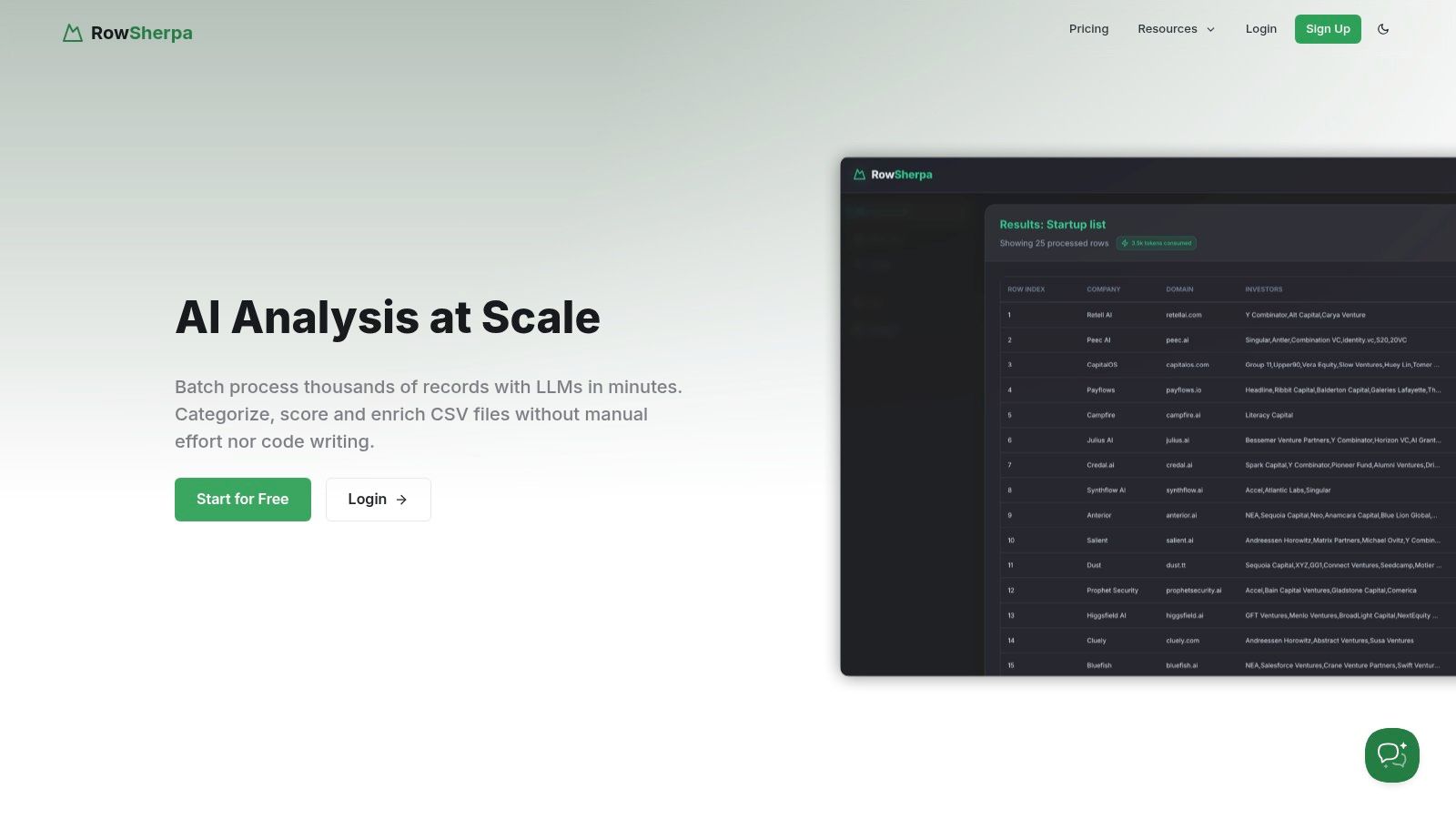
Row Sherpa establishes itself as a powerful, no-code solution for teams needing to perform AI-driven analysis on large volumes of structured data, such as CSV files filled with customer feedback. Its architecture is purpose-built for batch processing, allowing you to apply a single, consistent AI prompt to thousands of rows individually. This methodology circumvents the context-window limitations common in general-purpose chat interfaces, making it one of the most reliable customer feedback analysis tools for high-volume, repeatable tasks.
The platform is designed for analysts who are proficient in their roles but seek to leverage AI to work more efficiently. It transforms manual, time-consuming tasks like sentiment scoring, topic extraction, or intent classification into an automated, asynchronous workflow. You can launch a job on a massive dataset, close the browser, and return later to find a perfectly structured CSV or JSON file ready for ingestion into your BI tools, CRM, or research database.
Why It Stands Out
What distinguishes Row Sherpa is its uncompromising focus on structured, predictable outputs. While other tools may offer freeform analysis, Row Sherpa guarantees that every output conforms to a validated JSON or CSV schema you define. This determinism is critical for downstream automation, ensuring that your dashboards, reports, and integrated systems never break due to inconsistent AI-generated formatting. Its optional live web search per row adds another layer of depth, enriching feedback with external context to improve the accuracy of lead scoring or competitive analysis.
Core Features & Use Cases
- Batch-First Architecture: Built to run the same prompt across thousands of rows reliably, avoiding issues seen when pasting large datasets into standard AI chat tools.
- Predictable, Structured Outputs: Delivers validated JSON or CSV, making it perfect for feeding data into systems that require consistent formatting like CRMs or BI platforms.
- Asynchronous Jobs & Reruns: Launch large analysis jobs and get notified upon completion. Prompts can be saved and rerun, ensuring your analysis is repeatable and audit-friendly.
- Public API: The entire platform is built on a public API, allowing for full programmatic control and integration into existing data pipelines.
Example Workflow: A market research analyst can upload a CSV with 10,000 open-ended survey responses. They can then write a single prompt to extract key themes, sentiment (Positive, Negative, Neutral), and the specific product feature mentioned in each response. Row Sherpa processes each response individually, delivering a structured CSV with new columns for "Theme," "Sentiment," and "Feature," ready for quantitative analysis.
Pricing and Access
Row Sherpa offers a transparent, usage-based model that scales with your needs.
| Plan | Price/Month | Rows Included | Key Features |
|---|---|---|---|
| Free | $0 | 100 | Up to 5 output fields, 10 web searches |
| Starter | $49 | 5,000 | Up to 5 output fields, 1,000 web searches |
| Premium | $149 | 15,000 | Up to 10 output fields, 2,500 web searches |
| Pro | $449 | 30,000 | Up to 15 output fields, 5,000 web searches |
Pros & Cons
- Pros:
- Generates deterministic, validated outputs (JSON/CSV) ideal for automation.
- Scales to thousands of rows asynchronously with consistent, repeatable prompts.
- No-code UI combined with a full public API serves both business users and developers.
- Generous free tier allows for robust testing of core functionality.
- Cons:
- Strict usage limits on higher-tier plans may require custom arrangements for very large enterprise needs.
- The platform auto-deletes uploaded data after 30 days, which may not suit teams with long-term data retention policies.
- Lacks visible customer testimonials or enterprise compliance certifications on its website.
2. Qualtrics XM Discover (formerly Clarabridge)
For large organizations aiming to consolidate all experience data into a single, unified system, Qualtrics XM Discover offers an enterprise-grade solution. Built on the powerful conversational analytics engine from its Clarabridge acquisition, this tool excels at analyzing unstructured feedback from a vast array of omnichannel sources. It moves beyond simple keyword tracking to dissect complex feedback from customer calls, chat logs, social media, and product reviews.
What truly sets XM Discover apart is its ability to score interactions based on nuanced metrics like emotion, effort, and intent. It leverages over 150 out-of-the-box industry models to provide contextually relevant insights, allowing teams to quickly identify friction points in the customer journey. These analytics are not isolated; they feed directly into the Qualtrics xFlow automation engine, enabling you to trigger alerts, create support tickets, or initiate workflows based on specific feedback trends. This integration makes it one of the more comprehensive customer feedback analysis tools for businesses already invested in the Qualtrics ecosystem.
Key Details & Considerations
| Feature | Description |
|---|---|
| Ideal For | Enterprise-level organizations, existing Qualtrics users, teams needing deep conversational analytics. |
| Pricing | Custom enterprise pricing; requires consultation with the Qualtrics sales team. |
| Core Strength | Unifying omnichannel unstructured feedback (voice, chat, social) with survey data in a single platform. |
| Limitation | High implementation effort and enterprise-level cost make it less suitable for SMBs or startups. |
Practical Tip: Leverage the pre-built industry models during setup to accelerate your time-to-insight. This avoids the need to build complex topic and sentiment models from scratch, a common bottleneck when implementing similar market research data analysis tools.
Website: https://www.qualtrics.com/clarabridge/
3. Medallia Experience Cloud
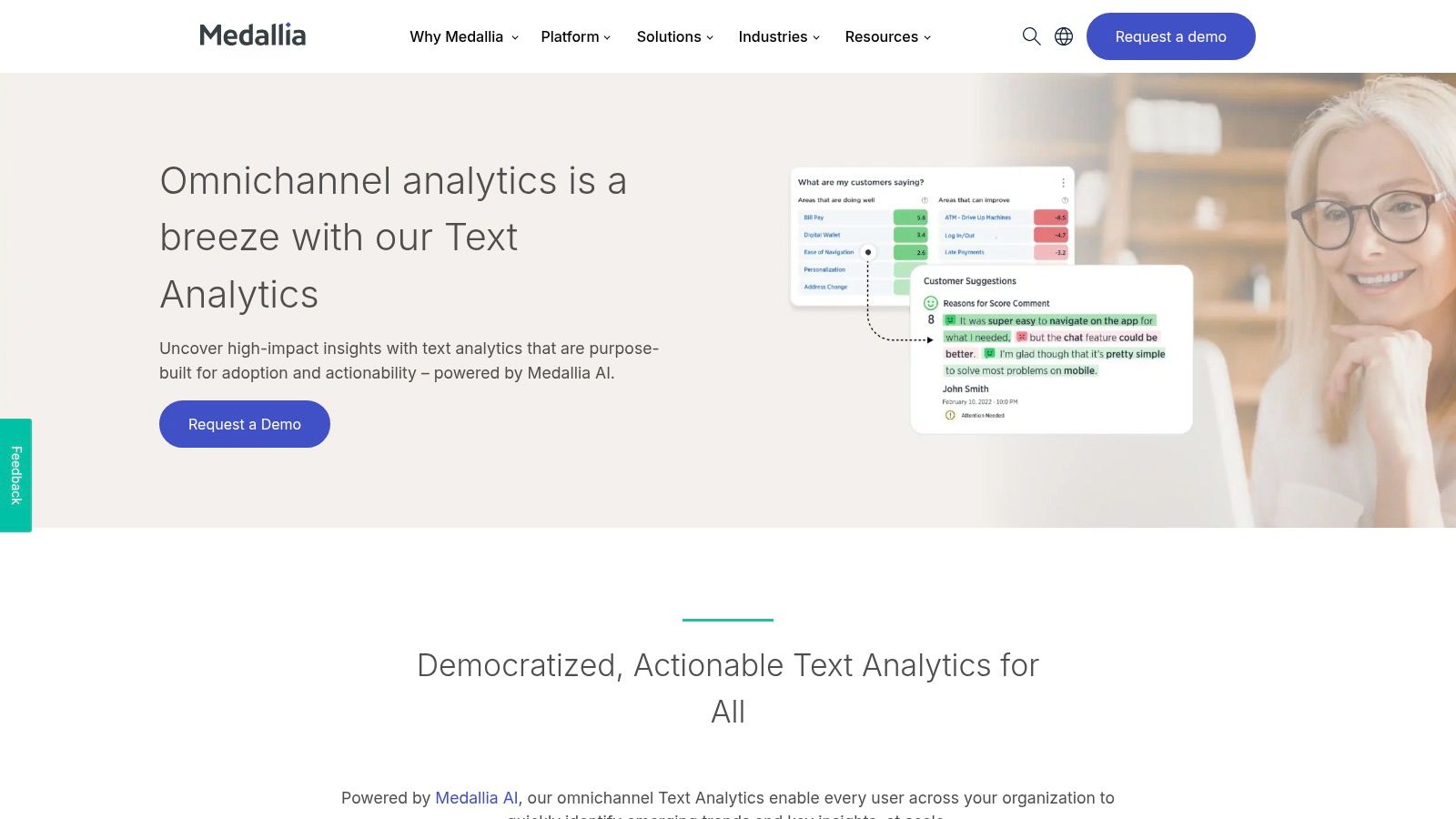
Medallia Experience Cloud is a comprehensive Customer Experience (CX) platform built for large-scale operations. It excels at capturing and unifying signals across the entire customer journey, from direct survey feedback to unsolicited data from contact center calls and social media. Using its proprietary Medallia AI, the platform provides text, speech, and digital analytics to transform vast amounts of structured and unstructured data into actionable, role-based insights for every department.
What makes Medallia a standout among customer feedback analysis tools is its focus on operationalizing insights at scale. The platform is designed for deep enterprise integration, featuring robust case management, alerting, and closed-loop workflows that ensure feedback gets to the right employee to take action. Features like PII detection and redaction address critical governance needs for larger organizations. Its pricing philosophy, based on the 'Experience Data Record' (EDR), encourages widespread adoption by typically not limiting user seats, democratizing access to insights across the company.
Key Details & Considerations
| Feature | Description |
|---|---|
| Ideal For | Mid-market to enterprise companies seeking a unified CX/EX platform with strong governance and operational workflows. |
| Pricing | Custom pricing based on Experience Data Records (EDRs); requires direct sales engagement. |
| Core Strength | Unifying diverse feedback signals (surveys, text, speech) and operationalizing insights through closed-loop actions at scale. |
| Limitation | Enterprise-level pricing and implementation complexity make it less suited for smaller businesses or those needing a simple tool. |
Practical Tip: Leverage Medallia’s role-based reporting from the start. By customizing dashboards for specific teams like marketing, support, and product, you ensure that employees only see the feedback and metrics relevant to them, which drives higher engagement and faster action.
Website: https://www.medallia.com
4. Chattermill
For product and CX teams looking to unify feedback from disparate sources without user-based pricing hurdles, Chattermill offers a compelling AI-driven solution. It specializes in connecting data from over 50 native integrations, including surveys, support tickets, social media, and app reviews, into a centralized analytics dashboard. This allows teams to move beyond manual feedback processing and gain a cohesive view of the customer voice.
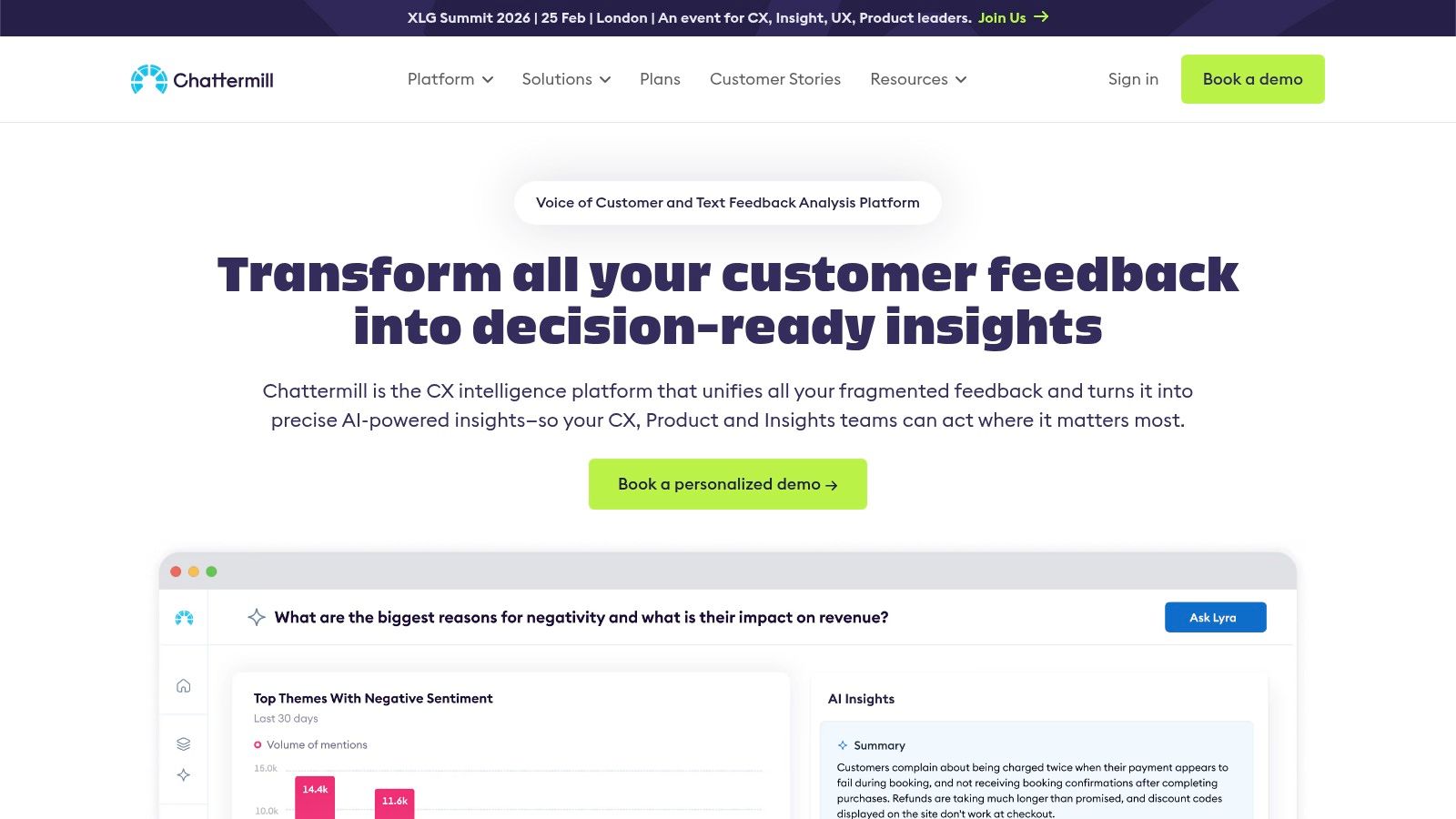
Chattermill’s core strength lies in its sophisticated AI topic and sentiment modeling, which automatically categorizes unstructured text and surfaces emerging themes or anomalies. What makes it particularly accessible for growing organizations is its pricing philosophy; plans scale based on data credits and integrations, not user seats. This unlimited-user approach encourages cross-functional collaboration, allowing product, support, and marketing teams to access insights without friction. By democratizing access to powerful AI analytics, it stands out among customer feedback analysis tools for fostering a customer-centric culture across the entire business.
Key Details & Considerations
| Feature | Description |
|---|---|
| Ideal For | Product and CX teams in mid-market to enterprise companies, organizations with diverse feedback channels. |
| Pricing | Custom quote based on data volume (credits) and required integrations; no per-user fees. |
| Core Strength | Unifying diverse feedback channels with an unlimited-user model that encourages widespread adoption. |
| Limitation | Primarily designed for organizations processing over 5,000 pieces of feedback per month, potentially making it less cost-effective for smaller volumes. |
Practical Tip: Use Chattermill's anomaly detection feature to monitor your key themes after a new product launch or feature update. This allows you to quickly identify unexpected praise or friction points without manually sifting through thousands of comments.
Website: https://chattermill.com
5. Thematic
For teams drowning in unstructured comments from surveys, reviews, and support tickets, Thematic offers a specialized, AI-powered solution focused on deep thematic analysis. Instead of just tracking keywords, its research-grade NLP is specifically tuned to discover and organize nuanced feedback themes, transforming qualitative data into quantifiable, decision-ready insights. This makes it an ideal choice for product and CX teams looking to move beyond manual coding and get to the "why" behind their metrics.
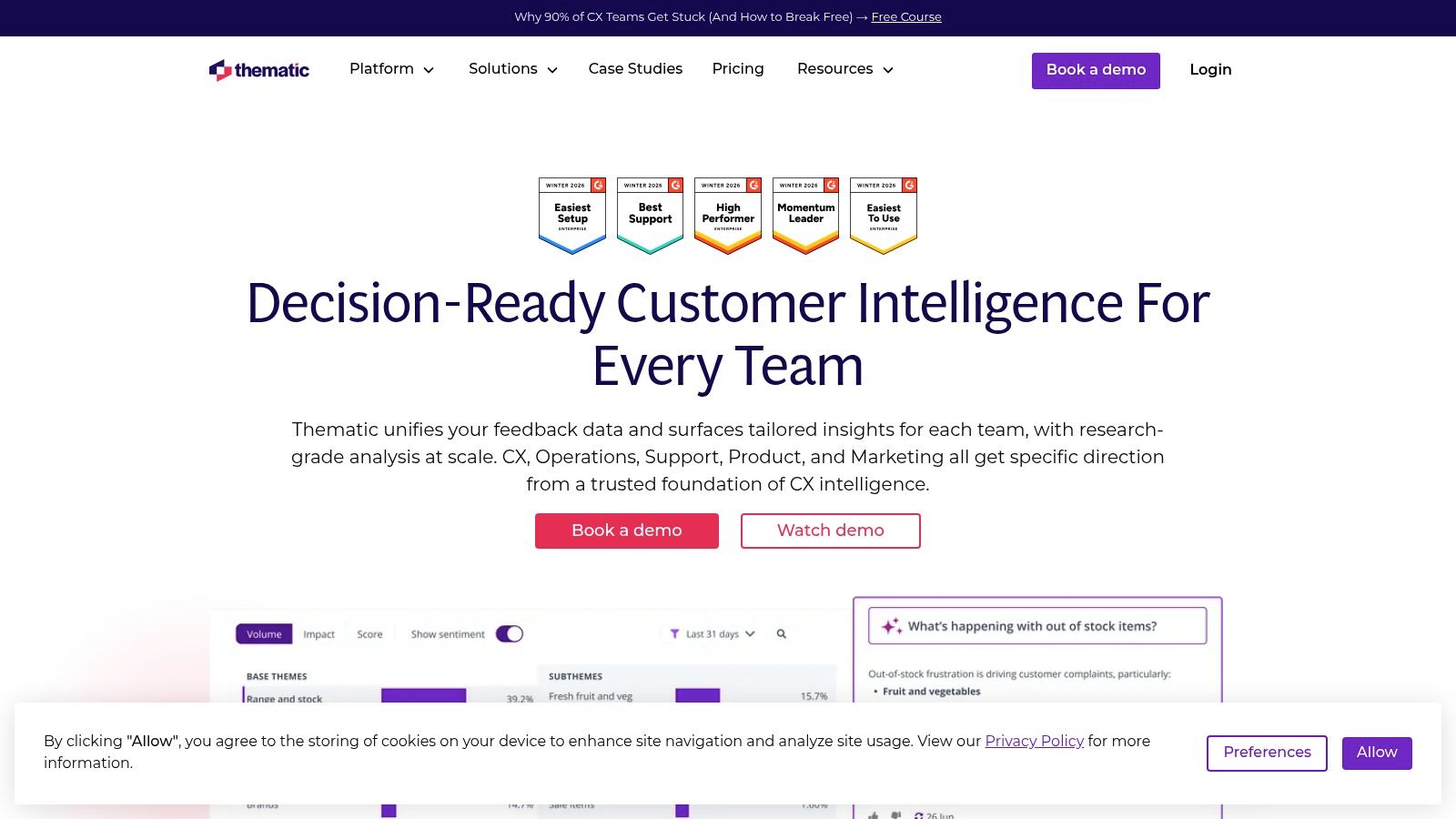
What makes Thematic stand out is its emphasis on creating a manageable and accurate feedback taxonomy. The platform suggests themes and allows you to merge, refine, and organize them, ensuring the analysis aligns with your business context. With 1-click integrations and a clear, volume-based pricing model, it provides a transparent path to scaling your analysis. This combination of powerful, specialized AI and user-driven taxonomy control makes it one of the more accessible yet potent customer feedback analysis tools for organizations ready to graduate from spreadsheets.
Key Details & Considerations
| Feature | Description |
|---|---|
| Ideal For | Product managers, CX teams, and researchers needing to scale the analysis of unstructured comments. |
| Pricing | Starts with an annual commitment of $25,000 for up to 25,000 comments/year on the Foundation plan. |
| Core Strength | Research-grade thematic analysis that converts massive volumes of qualitative feedback into structured insights. |
| Limitation | The entry-level pricing and focus on high-volume analysis may not be cost-effective for teams with limited data. |
Practical Tip: Use Thematic's taxonomy management features to build a "single source of truth" for your customer feedback themes. Involve stakeholders from different departments (product, support, marketing) to collaboratively refine the themes, ensuring the insights are relevant and actionable across the entire organization.
Website: https://getthematic.com
6. Siena Insights (formerly Idiomatic)
For teams focused on translating customer feedback into immediate operational action, Siena Insights offers a highly focused and automated solution. Formerly known as Idiomatic, this platform excels at ingesting unstructured feedback from support tickets, surveys, and reviews and automatically structuring it into business-aligned taxonomies. This process moves beyond basic keyword tagging to create explainable groupings that directly map to product features, service issues, or user journey stages.
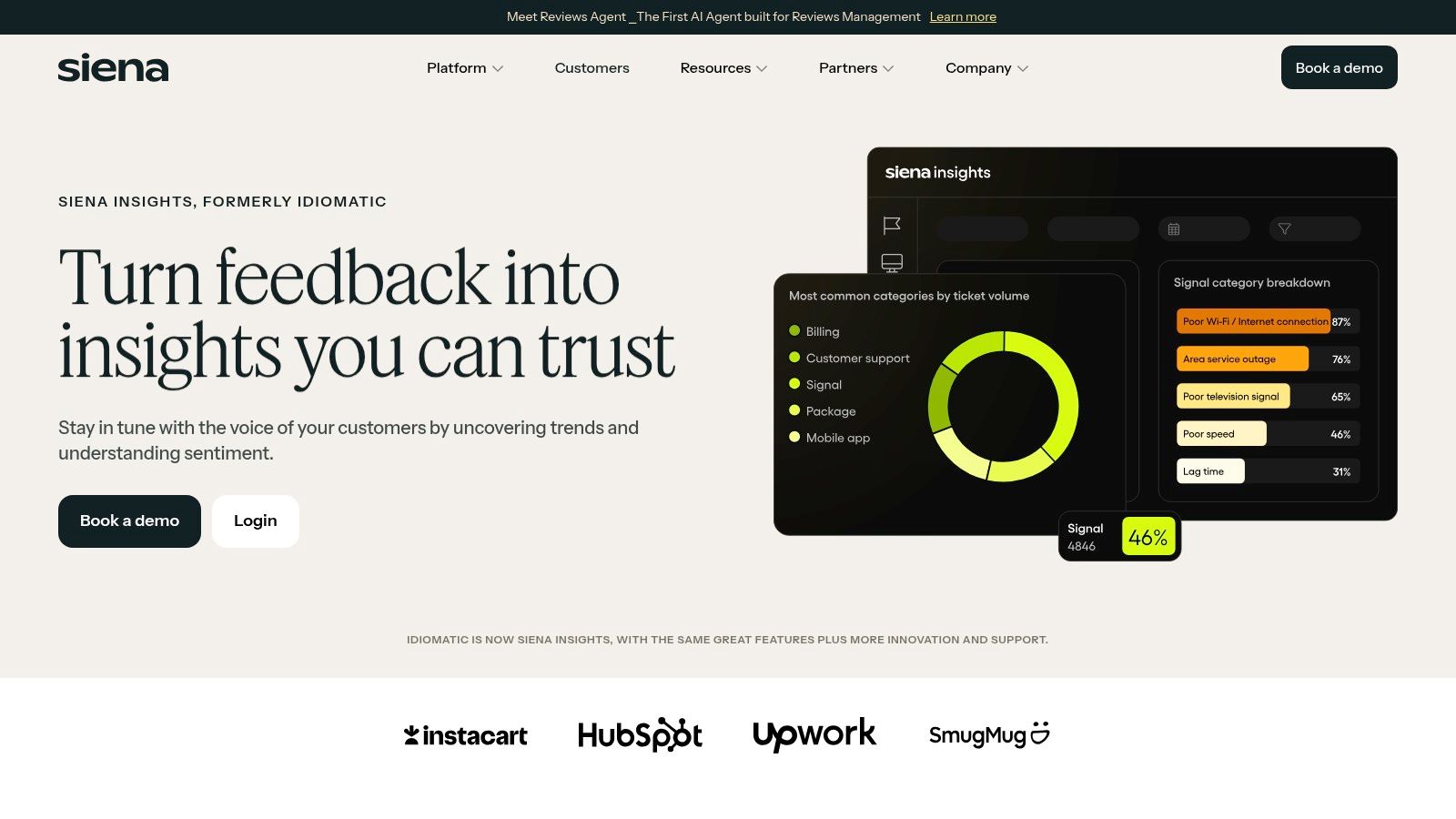
What makes Siena Insights stand out is its emphasis on proactive alerting and accessibility. The platform features anomaly detection that can push notifications to Slack when a specific feedback topic spikes, enabling teams to respond to emerging issues in near real-time. Another powerful feature is its natural-language query engine, which allows non-technical users to "chat with your feedback" in plain English. This democratizes data access, allowing product managers or support leads to ask complex questions without needing to write SQL or configure complex dashboards, making it one of the more agile customer feedback analysis tools for fast-moving teams.
Key Details & Considerations
| Feature | Description |
|---|---|
| Ideal For | Growth-stage startups and SMBs, product and support teams needing fast, actionable insights. |
| Pricing | Pricing is provided via the sales team; no public pricing tiers are listed. |
| Core Strength | Automated, business-specific categorization and proactive alerting to drive rapid operational response. |
| Limitation | The recent rebrand from Idiomatic may mean some documentation is still catching up, and the lack of public pricing requires a sales call. |
Practical Tip: Use the "chat with your feedback" feature to test hypotheses quickly. Instead of building a report to see if users are mentioning a new feature alongside bug reports, you can simply ask the question directly to get an immediate, data-backed answer. This works best when your source data is clean, a crucial step covered in data cleaning best practices.
Website: https://www.siena.cx/insights
7. Lumoa
For teams seeking a straightforward path to actionable insights without a heavy implementation lift, Lumoa offers a refreshingly accessible customer feedback analytics platform. It is designed for rapid deployment, helping businesses from SMBs to enterprises quickly unify feedback from sources like Zendesk, HubSpot, and SurveyMonkey. The platform automates topic and sentiment analysis, presenting findings in an easy-to-digest dashboard that highlights key trends and customer pain points.
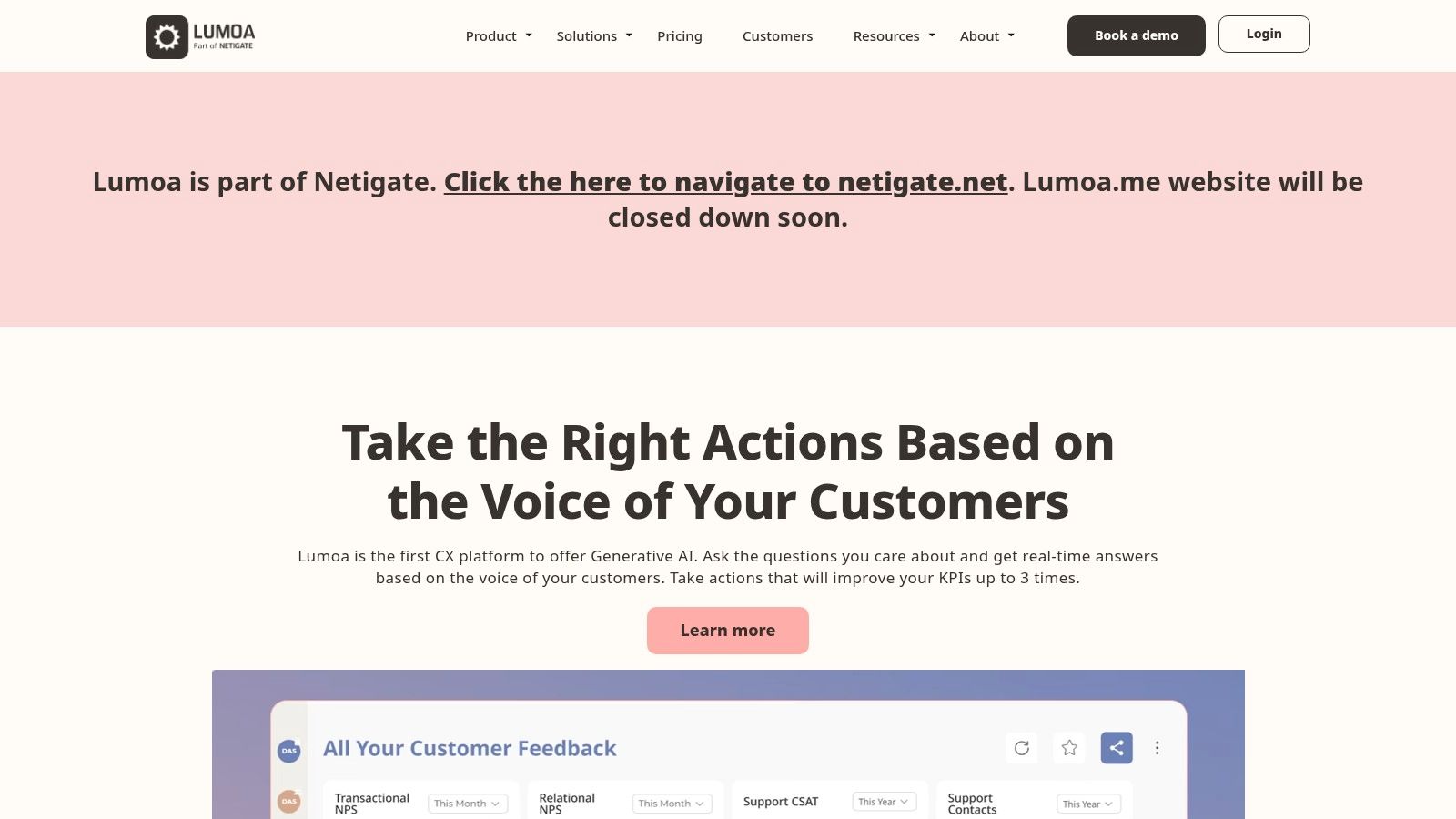
Lumoa’s key differentiator is its combination of simplicity and robust multilingual capability, supporting over 60 languages out-of-the-box. This makes it an excellent choice for businesses with a global customer base that need to analyze feedback without language barriers. Unlike many enterprise-focused customer feedback analysis tools with opaque pricing, Lumoa provides clear, public pricing tiers, including a free plan for getting started. This transparency, coupled with unlimited user seats across all plans, lowers the barrier to entry for teams eager to democratize access to customer insights.
Key Details & Considerations
| Feature | Description |
|---|---|
| Ideal For | SMBs and mid-market companies, global teams needing strong multilingual support, users wanting a quick time-to-value. |
| Pricing | Offers a free plan for up to 100 responses/month. Paid plans start at €199/month, scaling with feedback volume. |
| Core Strength | Simplicity, transparent pricing, and powerful out-of-the-box multilingual analysis across 60+ languages. |
| Limitation | Monthly feedback volume caps on lower-tier plans can be restrictive for high-growth companies. |
Practical Tip: Use Lumoa's automated weekly email summaries to keep stakeholders informed without requiring them to log into the platform. This feature is perfect for circulating key customer insights and trends to a broader leadership audience with minimal manual effort.
Website: https://www.lumoa.me
8. MonkeyLearn
For teams that need a flexible, no-code platform to build custom text analysis models, MonkeyLearn offers a powerful and accessible solution. It specializes in letting you train your own classifiers and extractors to categorize feedback according to your unique business taxonomy. This moves beyond generic sentiment analysis, allowing you to automatically tag feedback for specific topics, detect urgency, or extract key entities like product names or feature requests from unstructured text.
What makes MonkeyLearn stand out is its visual training interface, which empowers non-technical users, like market research analysts, to build and refine machine learning models by simply highlighting and tagging examples. It effectively democratizes the process of creating bespoke customer feedback analysis tools without writing a single line of code. For more technical workflows, its robust API and integrations with Zapier, Google Sheets, and various helpdesks enable seamless automation, such as batch processing large CSV files or routing tagged support tickets to the right team in real-time. This blend of user-friendliness and developer-focused extensibility makes it a versatile choice.
Key Details & Considerations
| Feature | Description |
|---|---|
| Ideal For | Analysts and product teams needing custom taxonomies, ad-hoc text analysis, and automated workflows. |
| Pricing | Custom pricing based on usage; requires contacting their sales team for a quote. |
| Core Strength | A no-code interface for training custom text classification and extraction models tailored to specific business needs. |
| Limitation | Focuses exclusively on text-based feedback; lacks native support for analyzing audio from customer calls. |
Practical Tip: Start by uploading a small, representative CSV of your feedback (e.g., 200-300 survey responses) to train your first topic classifier. The platform's active learning suggestions will help you quickly identify the most impactful examples to label, accelerating model accuracy without manual guesswork. This is a core principle in many modern approaches to using AI for data analysis.
Website: https://www.monkeylearn.com
9. Kapiche
Kapiche is designed for teams who need to move beyond keyword counting and understand the "why" behind their customer feedback. It specializes in thematic analysis, automatically surfacing key topics, reasons for contact, and the primary drivers of customer experience from unstructured data. This focus makes it highly effective for support, CX, and operations teams looking to pinpoint specific issues and opportunities for improvement without manual tagging or pre-built models.
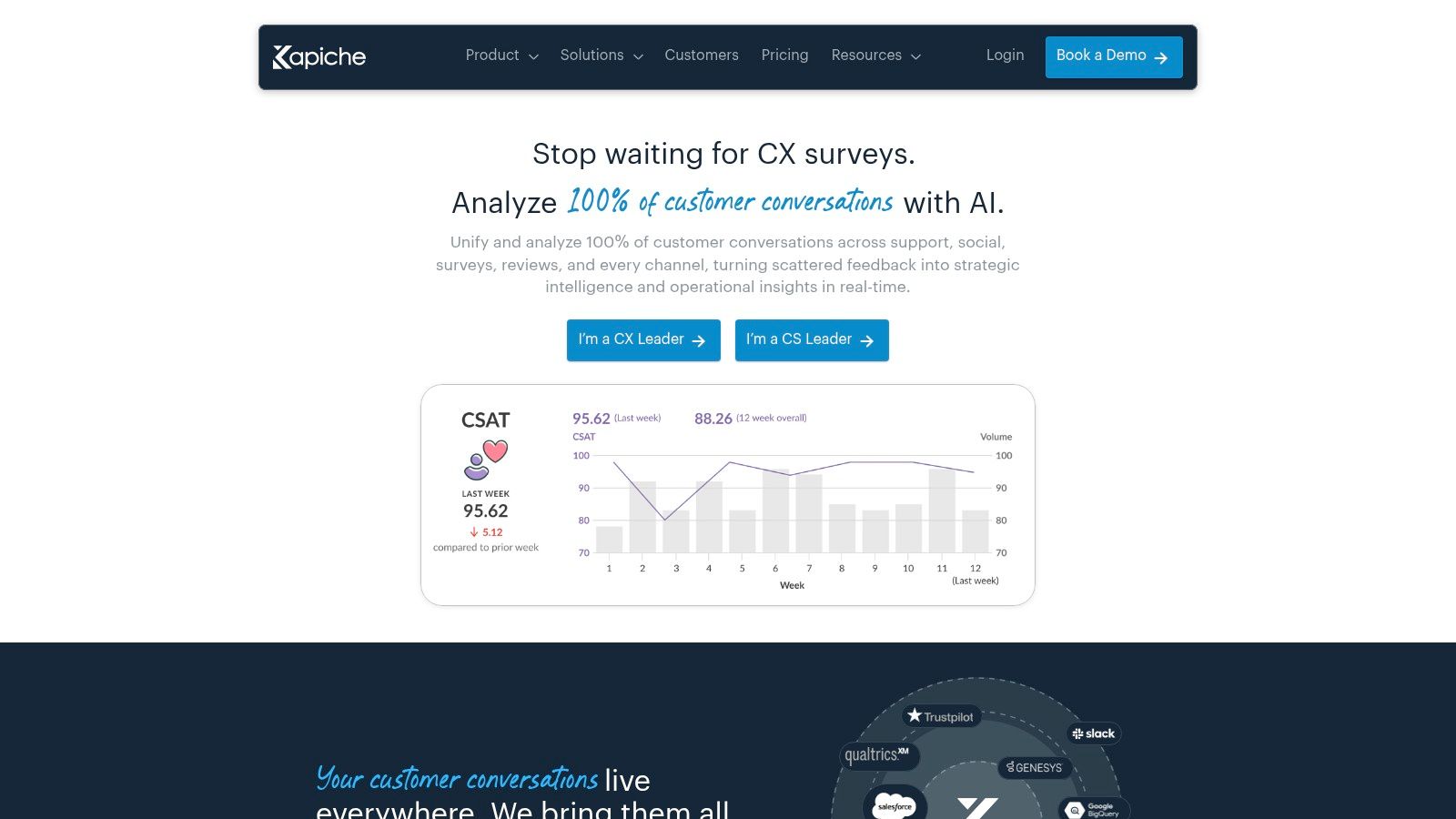
What makes Kapiche stand out is its role-based structure and emphasis on democratization of insights. It offers distinct Creator, Explorer, and Viewer roles, with a generous unlimited viewer access model. This structure empowers analysts (Creators) to build sophisticated reports and then share interactive dashboards across the entire organization, allowing stakeholders to self-serve insights without consuming expensive licenses. This approach positions it as one of the more collaborative customer feedback analysis tools for teams aiming to embed customer voice into daily operations. The transparent entry-level pricing and project-based limits also provide a clear path for scaling.
Key Details & Considerations
| Feature | Description |
|---|---|
| Ideal For | CX and support teams, market researchers, and organizations wanting to share insights widely. |
| Pricing | Published Bronze plan for self-serve entry; higher tiers (Silver, Gold) require sales consultation. |
| Core Strength | Automated theme discovery and a highly collaborative model with unlimited free viewers for broad insight sharing. |
| Limitation | Per-project row and field limits on each tier may require upgrades for very large or complex datasets. |
Practical Tip: Maximize the value of the unlimited viewer roles. Set up dedicated dashboards for different departments (e.g., product, marketing, support) and train them to use the filters. This reduces the analytical burden on the core team and fosters a more customer-centric culture.
Website: https://www.kapiche.com
10. Sprinklr (Consumer Intelligence / Insights)
For teams needing to expand beyond direct feedback channels and understand the broader public conversation, Sprinklr offers an AI-native consumer intelligence platform. It excels at marrying solicited Voice of the Customer (VoC) data with unsolicited feedback from the wild, analyzing over 30 social and digital channels, review sites, forums, and news sources. This allows product and brand teams to track market signals and public sentiment in real-time.
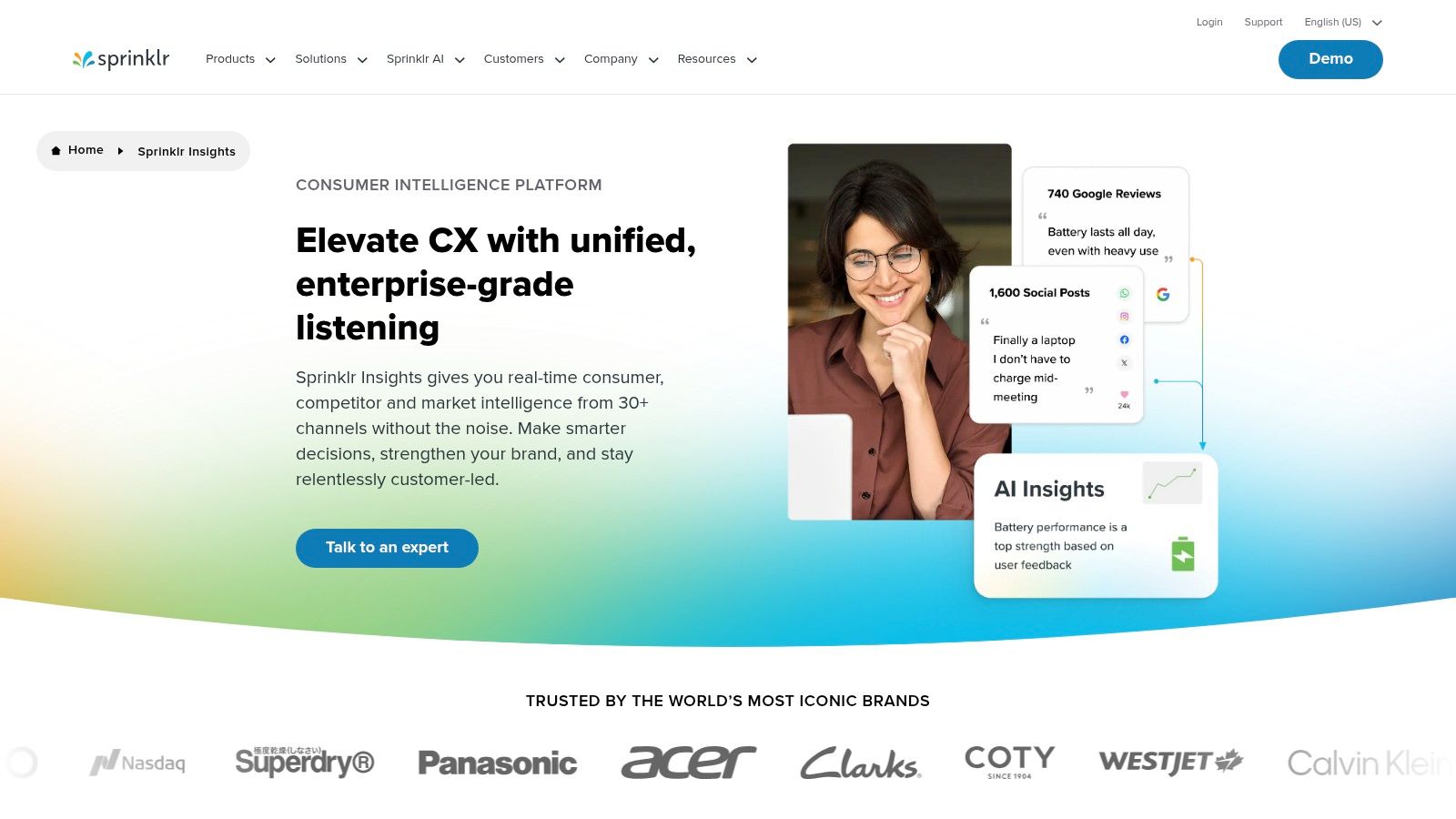
Sprinklr’s key differentiator is its ability to blend internal feedback with external, earned media signals, providing a holistic view of brand perception and product performance. Its AI Copilot accelerates research by allowing analysts to conversationally query massive datasets and generate insights and recommendations. This functionality, combined with its enterprise-grade governance and workflow automation, makes Sprinklr one of the more powerful customer feedback analysis tools for understanding how your brand is perceived across the entire digital ecosystem, not just within your owned channels.
Key Details & Considerations
| Feature | Description |
|---|---|
| Ideal For | Enterprise brand and product teams, market researchers wanting to blend VoC with public social signals. |
| Pricing | Custom pricing for consumer intelligence offerings; requires a consultation and quote from the sales team. |
| Core Strength | Unmatched external channel coverage for analyzing public and earned media alongside direct customer feedback. |
| Limitation | Can be overly complex and expensive for teams focused solely on analyzing survey or support ticket data. |
Practical Tip: Use the AI Copilot to quickly summarize sentiment drivers around a new product launch or marketing campaign. Instead of manually sifting through thousands of mentions, ask it directly: "What are the top three negative themes mentioned about our Q2 product update on Twitter and Reddit?" to speed up your analysis.
Website: https://www.sprinklr.com/pricing/consumer-intelligence/?utm_source=openai
11. Enterpret
For product-led organizations aiming to build a unified feedback repository, Enterpret offers a sophisticated AI-native customer intelligence platform. It excels at aggregating disparate feedback sources like support tickets, app reviews, sales calls, and community forums into a single, analyzable data model. This approach is designed to move teams beyond manual tagging and reactive analysis by providing a proactive, centralized view of the customer voice.
Enterpret's core differentiator lies in its use of custom machine learning models tailored to your specific business domain. Instead of relying on generic topic models, the platform learns your product's unique taxonomy, ensuring that insights are highly relevant and actionable for product decision-making. With over 50 native connectors and proactive monitoring for new trends, it’s built to surface emerging issues before they escalate. This makes it one of the more powerful customer feedback analysis tools for teams that need to directly link customer feedback to product strategy and roadmap prioritization.
Key Details & Considerations
| Feature | Description |
|---|---|
| Ideal For | Product teams at modern software companies, organizations needing to centralize multiple feedback channels. |
| Pricing | Custom pricing model that requires a sales consultation. Plans include unlimited user seats. |
| Core Strength | Custom, domain-specific ML models that provide highly contextual and relevant feedback analysis for product decisions. |
| Limitation | The high-touch, custom model approach and enterprise pricing make it less suited for early-stage startups. |
Practical Tip: During onboarding, provide Enterpret's team with your internal product documentation and glossaries. This will significantly accelerate the training of your custom ML model, leading to more accurate and context-aware feedback categorization from day one.
Website: https://www.enterpret.com
12. AWS Marketplace (Customer Feedback Analysis category)
For organizations deeply integrated with the Amazon Web Services ecosystem, the AWS Marketplace offers a streamlined procurement channel for various analytics solutions. Rather than a single tool, it’s a curated digital catalog where you can discover, purchase, and deploy third-party software and services, including a range of customer feedback analysis tools. This approach simplifies the often-complex legal, security, and billing hurdles associated with onboarding new vendors, consolidating everything under your existing AWS account.
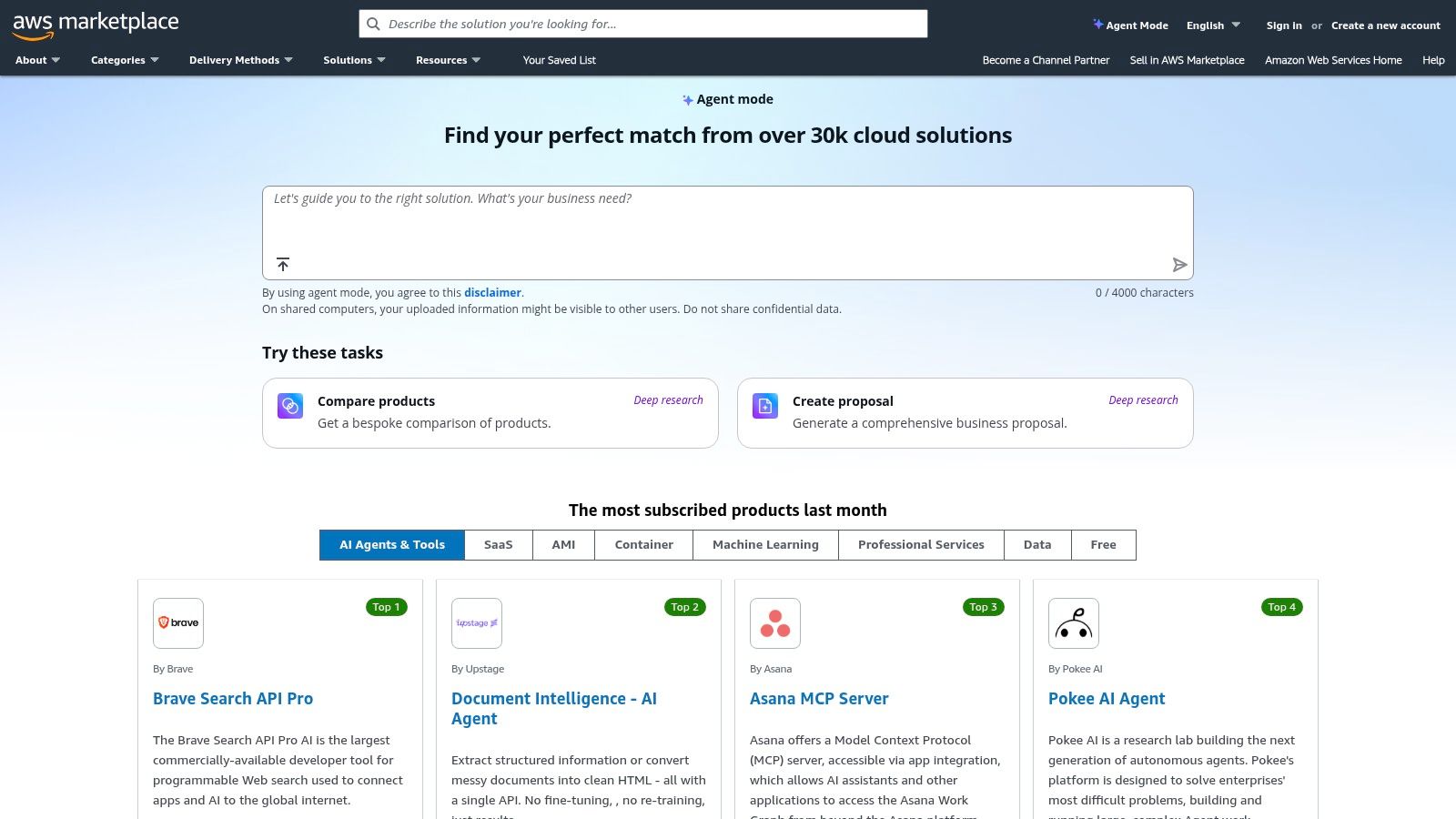
The primary advantage is governance and speed for teams already leveraging AWS. Instead of navigating separate procurement processes, you can utilize your AWS budget and benefit from standardized commercial terms. The marketplace features a mix of SaaS subscriptions and packaged solutions, some of which are built directly on native AWS services like Amazon Comprehend for text analysis. This allows you to find everything from comprehensive SaaS platforms like Enterpret to more specialized, deployable models, making it a powerful resource for technical teams and data analysts looking to quickly trial and implement solutions within their cloud environment.
Key Details & Considerations
| Feature | Description |
|---|---|
| Ideal For | AWS-centric organizations, data engineers, teams needing simplified procurement and consolidated billing. |
| Pricing | Varies widely by vendor; includes pay-as-you-go, annual contracts, and custom private offers. |
| Core Strength | Streamlined purchasing, governance, and deployment of third-party tools within the AWS ecosystem. |
| Limitation | The selection can be inconsistent; not all top-tier tools are listed, and some listings are consulting services rather than software. |
Practical Tip: Use the Private Offers feature to negotiate custom pricing and terms directly with a software vendor. This can unlock significant discounts and tailored agreements that aren't available through the public listing, all while keeping the transaction managed through your AWS bill.
Website: https://aws.amazon.com/marketplace
Top 12 Customer Feedback Analysis Tools Comparison
| Product | Core features | UX / Quality (★) | Pricing / Value (💰) | Target audience (👥) | Unique selling points (✨) |
|---|---|---|---|---|---|
| Row Sherpa 🏆 | No-code batch CSV processing; per-row LLM calls; validated JSON/CSV; optional web enrichment; async jobs + public API | ★★★★ — predictable, validated outputs | 💰 Free → Pro ($0–$449/mo); usage-based rows, web-search & token limits | 👥 Junior analysts, sales ops, VC analysts, demand-gen marketers | ✨ Batch-first per-row LLM; deterministic outputs; saved prompts & reruns; API-driven automation |
| Qualtrics XM Discover | Omnichannel conversation analytics; emotion/effort/intent scoring; XM workflow integration | ★★★★★ — enterprise-grade, mature tech | 💰 Custom / enterprise pricing | 👥 Large enterprises centralizing feedback | ✨ 150+ industry models; deep integration across Qualtrics XM |
| Medallia Experience Cloud | Text, speech & acoustic analytics; case management; PII redaction; role-based reporting | ★★★★★ — scalable, governed | 💰 Custom / enterprise pricing | 👥 Large CX/EX programs, enterprise teams | ✨ Strong governance, EDR pricing philosophy, enterprise workflows |
| Chattermill | AI topic & sentiment modeling; 50+ integrations; anomaly detection; unlimited translations | ★★★★ — fast onboarding, analyst-friendly | 💰 Quoted (data-credit / integration-based) | 👥 Product & CX teams processing large feedback volumes | ✨ Data-credit model; unlimited users; fast specialist onboarding |
| Thematic | Research-grade NLP for themes; taxonomy mgmt; dashboards; volume pricing | ★★★★ — decision-ready thematic insights | 💰 Volume-based; Foundation from $25k/yr (entry) | 👥 Teams analyzing large unstructured comment sets | ✨ NLP tuned for feedback themes; model improvements + CS support |
| Siena Insights (Idiomatic) | Auto-categorization, anomaly alerts, NL querying, business-aligned taxonomies | ★★★★ — operational, actionable | 💰 Sales-quoted | 👥 Ops & support teams needing rapid response | ✨ "Chat with your feedback"; explanatory groupings & alerts |
| Lumoa | Topic modeling, multilingual support (60+), weekly reports, integrations | ★★★ — simple, quick time-to-value | 💰 Public tiers incl. free option; caps by tier | 👥 SMB → mid-market teams wanting fast ROI | ✨ Public pricing & free entry; strong multilingual support |
| MonkeyLearn | Custom classifiers & extractors; visual training; batch API & integrations | ★★★★ — flexible & developer-friendly | 💰 Pricing/contact varies (vendor) | 👥 Analysts & developers needing custom text models | ✨ Visual model training + API/CSV batch processing |
| Kapiche | Theme discovery, reason-for-contact, role-based access, project limits | ★★★★ — role-based sharing & clear packaging | 💰 Bronze public; higher tiers via sales | 👥 Support/CX teams focused on sharing insights | ✨ Creator/Explorer/Viewer roles; unlimited viewers; project quotas |
| Sprinklr (Consumer Intelligence) | Coverage of social/reviews/forums; AI Copilot; case creation; governance | ★★★★★ — industry-leading external coverage | 💰 Quoted / enterprise-focused | 👥 Brand & product teams tracking public signals | ✨ Massive media coverage + AI Copilot for insights & recommendations |
| Enterpret | 50+ connectors; custom ML models; taxonomy refreshes; proactive monitoring | ★★★★ — product-focused intelligence | 💰 Sales-quoted | 👥 Product teams centralizing many feedback sources | ✨ Custom ML per domain; proactive anomaly & trend monitoring |
| AWS Marketplace (Customer Feedback) | Marketplace for feedback/text-analytics solutions; billing & deployment support | ★★★ — variable by listing | 💰 Flexible (PO, pay-as-you-go, private offers) | 👥 AWS-centric procurement & IT teams | ✨ Simplified procurement, consolidated billing, cloud-native deployment |
Choosing the Right Tool for Your Workflow
Navigating the landscape of customer feedback analysis tools can feel overwhelming. We've explored everything from comprehensive, enterprise-grade CX platforms like Qualtrics and Medallia to specialized, AI-native solutions like Chattermill and Enterpret. Each tool offers a unique approach to transforming raw, unstructured feedback into strategic business intelligence. The core truth, however, remains simple: the best tool is not the one with the most features, but the one that seamlessly integrates into your specific workflow and solves your most persistent challenges.
The right choice hinges entirely on your primary use case. Are you building a centralized, always-on Voice of the Customer (VoC) program for a large organization? A robust platform with deep CRM integrations and sophisticated dashboards might be your answer. Are you a product team trying to unify feedback from a dozen different channels like Slack, App Store reviews, and support tickets? A tool focused on real-time aggregation and AI-driven topic modeling will be invaluable.
From Centralized Programs to Ad-Hoc Analysis
While many tools are designed for continuous, programmatic feedback analysis, a significant portion of analytical work doesn't fit this model. For junior analysts in market research, venture capital, or demand-generation marketing, the reality is often a series of discrete, high-stakes projects. You're handed a massive CSV export from a survey platform, a list of prospect notes from a CRM, or a dataset of company descriptions for market mapping.
Your task is repeatable yet requires nuanced human judgment: categorize each entry, score its sentiment, extract key themes, or enrich it with new data points. This is where many traditional customer feedback analysis tools fall short. They are built for pipelines, not for the kind of batch-processing work that defines modern analytical roles. This is also where general-purpose AI chat interfaces fail, as they struggle with consistency and structured output across thousands of rows.
A Framework for Your Decision
As you evaluate the options, move beyond the feature lists and consider the fundamental nature of your work. Ask yourself these critical questions:
- What is the primary format of my data? Is it a continuous stream from multiple APIs, or is it most often a static file like a CSV or spreadsheet?
- What is the frequency of my analysis? Am I building a real-time dashboard that needs to be monitored daily, or am I running quarterly analyses on specific datasets?
- What is my core objective? Do I need to understand high-level trends across the entire customer base, or do I need to perform a specific, structured transformation on every single row of a dataset?
- Who is the end user of this analysis? Is it an executive who needs a high-level dashboard, or is it me, needing a clean, enriched dataset to use for a report or to import back into another system?
For those whose work revolves around the latter half of these questions, a different class of tool becomes essential. If your day-to-day involves taking a large dataset and applying a consistent, intelligent rule to every row, you need a solution built for that exact purpose. This is the domain of batch-processing AI tools like Row Sherpa, which are designed to automate the high-volume, repetitive tasks that consume an analyst's time. The right choice will not just give you insights; it will give you back your week.
Tired of manually categorizing, scoring, and enriching thousands of rows in a spreadsheet? Row Sherpa is built for analysts who need to apply AI to entire datasets, not just one-off prompts. Try Row Sherpa to automate your most repetitive data analysis tasks and turn your CSVs into actionable intelligence in minutes.